We all know that in this era of the internet and digital governance, important career decisions have to be made. In today’s world, almost every government and non-governmental task has been moved online. Whether you’re applying for a government job, seeking college admission, or getting your passport—scanning and uploading documents has become mandatory.
The way the Prime Minister of Nepal is going to make everything online in Nepal in the coming few months, be it selling land or making a Rokka, everything is going to be transformed online, in this era it becomes necessary for us to use these facilities through that information and skills.
Table of Contents
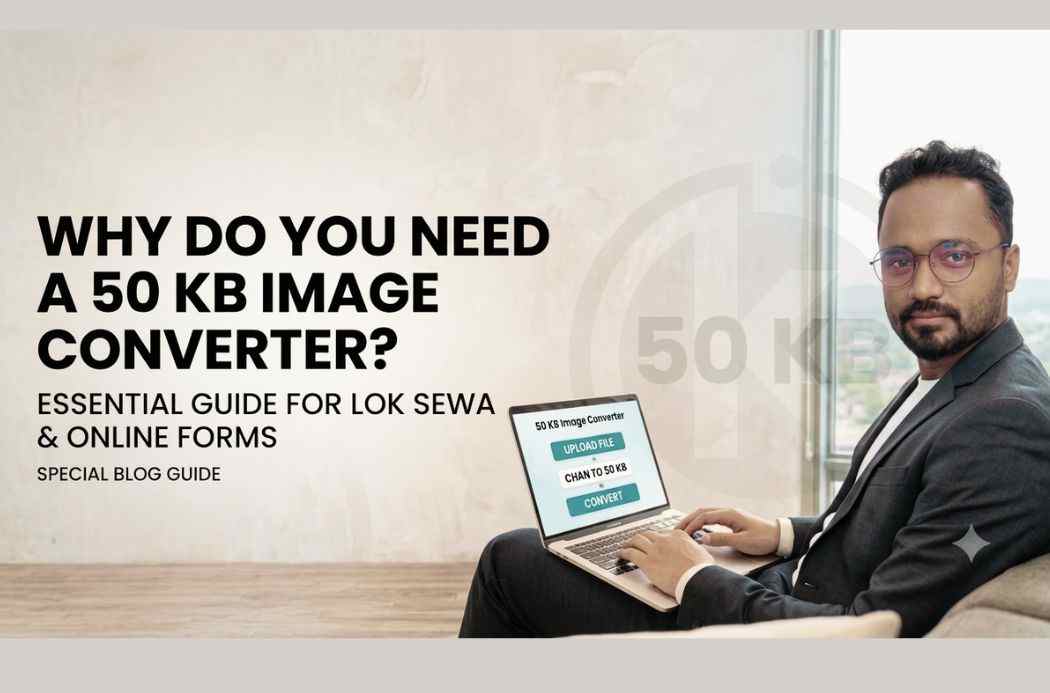
But we all often face a big problem while filling online forms:“File size must be less than 50 KB.”When you take a photo or signature image with your smartphone or digital camera, it’s usually between 2 MB and 5 MB in size. Websites won’t accept the file. This is where it comes in handy. 50 KB Image ConverterThe tool about which this entire blog is written.
How can you use this tool and save your time?Let us understand in detail in this blog why this tool is so needed, especiallyPublic Service Commission (Lok Sewa Aayog) And what is its importance in other online forms, and how can you resize your files without losing quality.
1. Why 50 KB rule in online forms and Lok Sewa Commission (Lok Sewa)?
when youPublic Service Commission (PSC/Lok Sewa) When you fill out a form for any job, banking, railway, or central or state-level exam, you’ll see a clear notification stating that your passport-sized photo and signature must be between 20 KB and 50 KB in size. You can’t ignore this, as it’s a requirement when filling out every online form. There are several technical reasons behind this, which are important to understand.
1) Server capacity and speed
When vacancies are announced on large recruitment boards like the Public Service Commission, millions of candidates apply simultaneously. If each candidate uploads a 3-4 MB photo, the server will be overloaded with terabytes (TB) of data. This could cause the server to crash or the website to slow down significantly. Keeping a 50 KB limit ensures smooth website operation. Therefore, uploading photos of 50 KB or smaller is recommended.
2) Saving data storage
A database is needed to store the data of millions of applicants. Small file sizes save storage costs for the government or relevant organization and make data management easier. Data is where millions of people store all their information.
3) Easy upload even with low internet speed
Even today, in Nepal, internet speeds are poor in many rural areas, such as the mountainous regions. Many educated people are deprived of access to timely and convenient services. This means they can’t even fill out the form on time. Therefore, if the file size is 50 KB or less, the form will be submitted quickly and without interruption, even on a 3G or weak 4G network.
4)What is 50 KB Image Converter?
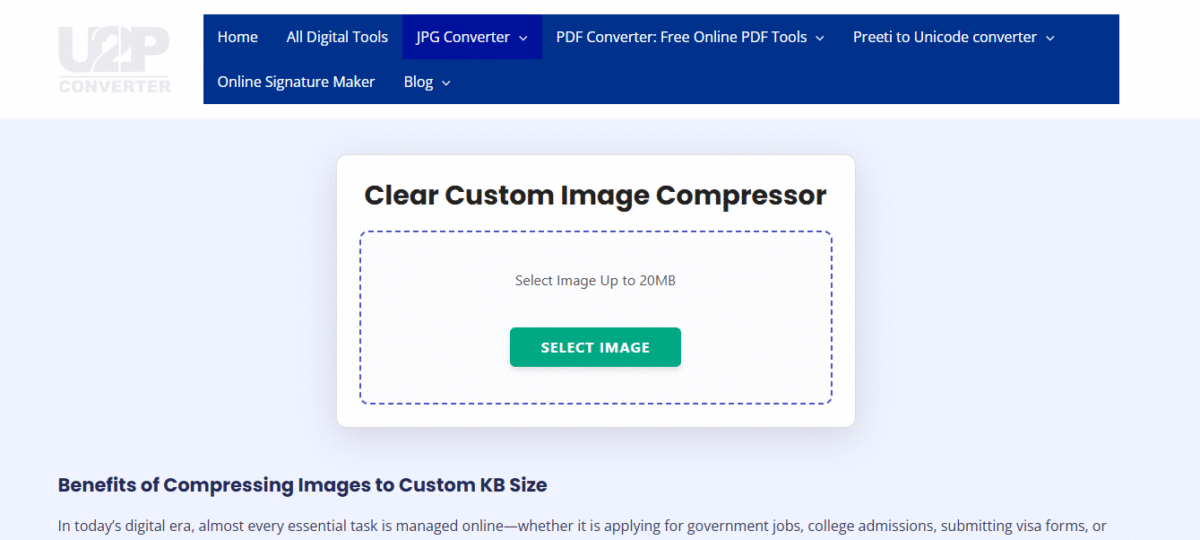
One 50 KB Image Converter A digital tool or software that adjusts the dimensions and quality of your large image files (such as JPEG, PNG) so that their total size is reduced to 50 KB or less. This allows you to reduce the file size to 50 KB or less with just one click, without any hassle.
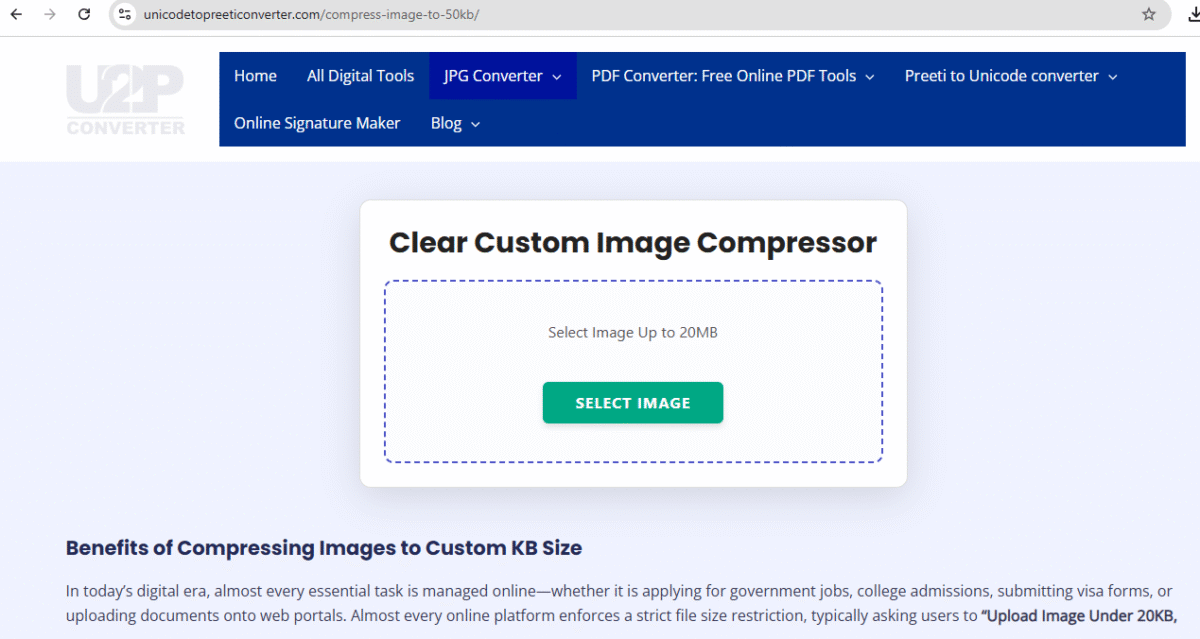
This works in two ways:
- Compression:Removing pixels or data from a photo that are not directly visible to the human eye, thus reducing the size without significantly reducing the quality.
- Resizing:Reducing the width and height of the photo (e.g. 3.5 cm x 4.5 cm).
5) Key Requirements and Benefits of an Image Converter
If you’re preparing for a competitive exam or run a cyber cafe, you can’t do without this tool. Here are its key benefits you should know about:
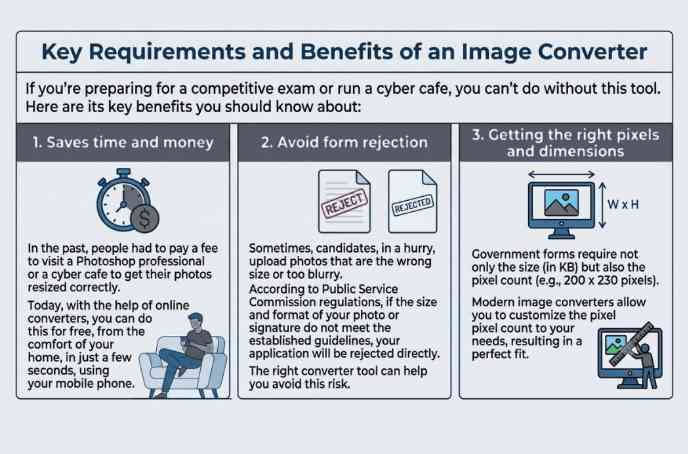
1. Saves time and money
In the past, people had to pay a fee to visit a Photoshop professional or a cyber cafe to get their photos resized correctly. Today, with the help of online converters, you can do this for free, from the comfort of your home, in just a few seconds, using your mobile phone.
2. Avoid form rejection
Sometimes, candidates, in a hurry, upload photos that are the wrong size or too blurry. According to Public Service Commission regulations, if the size and format of your photo or signature do not meet the established guidelines, your application will be rejected directly.RejectThe right converter tool can help you avoid this risk.
3. Getting the right pixels and dimensions
Government forms require not only the size (in KB) but also the pixel count (e.g., 200 x 230 pixels). Modern image converters allow you to customize the pixel count to your needs, resulting in a perfect fit.
4. Which online forms require this?
Not just for the Public Service Commission, but you will need this tool at every turn of life today:
| Area/Form Type | Required Documents | General size limit |
| Public Service Commission (PSC) | Passport Photograph, Signature, Thumb Impression | 20 KB – 50 KB |
| Banking and Railway Exams (IBPS, RRB) | Photograph, Signature, Handwritten Declaration | 10 KB – 50 KB |
| University/College Admission | 10th/12th mark sheet, migration certificate | 50 KB – 100 KB |
| Passport and PAN Card Application | Identity card, address proof, photograph | 20 KB – 50 KB |
| Driving License (Sarthi Portal) | Recent photograph and signature | 10 KB – 20 KB |
5. How to reduce your photo to 50 KB?
If you have a large photo and want to reduce it to 50 KB, you can follow the simple steps given below:
- Choose a trustworthy website: On Google“Compress image to 50kb You’ll find several free tools (like Image Resizer, Reduce Images, or Photo Resizer).
- Upload Image: Select the photo you want to reduce from your gallery by clicking on the ‘Upload Image’ or ‘Choose File’ button.
- Set the settings: to the format JPG/JPEG (since this is the format required in most government forms). In ‘Target Size’50 KBType.
- Click on Convert/Compress: The tool will automatically process your photo.
- Download: In just a few seconds your new photo will be ready, which you can download and use in your form.
Important tip: Always open the photo after downloading it to see if the name or your face is too blurred. If so, try retaking the original photo with a slightly better camera.
6. Things to keep in mind when compressing photos
When you’re using an image converter for public service or any other important form, keep these things in mind so your form gets accepted the first time:
- Take care of the background: Government forms usually White or light colored background Do not upload converted selfies or photos with casual backgrounds.
- Signature Clarity: Always sign on white paper.Black or blue ink When you compress it to 50 KB, make sure the lines don’t appear chopped up.
- File Name: Government websites often won’t upload files with special characters (like @, #, $, _ ) or spaces in their names. Keep your file names simple and straightforward, like this:my-photo.jpgComesignature.jpg।
- Correct format:Make sure the file extension is.jpgCome.jpegIt just so happens. By mistake.pngCome.pdfError may occur while uploading the format.
Conclusion
50 KB Image Converter It’s not a compromise, but rather a vital necessity. It’s an essential tool, especially for students preparing for the Lok Sabha (Lok Sewa) and other online exams. Using it correctly not only saves you time and money, but also eliminates the mental stress of having your form rejected due to technical errors.
The next time you sit down to fill out an online form, use any of the safe and free image converters available online and upload your documents without any hassle. This is a small but crucial step towards digital literacy!
Have you ever had trouble with image sizes when filling out online forms? Share your experiences in the comments below!3
Read More:
Frequently Asked Questions (FAQs)
Q1. Why is the photo size required in the Lok Seva Aayog form less than 50 KB?
Answer:This is done to ensure that the website server is not slowed down and that candidates in rural areas with low internet speeds can easily upload their photos. It also significantly saves storage space in the Commission’s database.
Q2. Does compressing or reducing a photo reduce its quality?
Answer:If you use a good online converter tool, it optimizes the pixels of the photo in such a way that the file size becomes 50 KB, but the clarity of the photo is not affected much and it can be easily recognized.
Q3. What is the best format of photo for online form?
Answer:In most government and public service commission formsJPEG or JPGThe format asked for is PNG. Some websites accept PNG, but to be safe, always save your file as PNG..jpgCome.jpegConvert to the format itself.
Q4. Can I directly convert a photo taken on my mobile to 50 KB?
Answer:Yes, absolutely. Photos taken with a mobile camera typically weigh 2 to 4 MB. You can upload the photo to any free online image converter website and download it in just a few seconds, down to 50 KB or less.
Q5. What should be kept in mind while compressing a signature?
Answer:Signature alwaysunlined white paperBut use black or blue ink. When compressing, be careful not to blur your name or letters, otherwise the form may be rejected during scrutiny.
Q6. What to do if I get the error “File extension not supported”?
Answer:This error means you’re not uploading the file in the format the website requires (e.g., JPG). If your file is in PNG, WebP, or PDF format, convert it to JPG using an image converter tool and then upload it.
Q7. Is it safe to upload my documents to image converter websites?
Answer:Most popular and reputable online image converters are completely secure. They automatically delete your files from their servers a few hours after you’re done. However, be sure to check the website’s privacy policy before uploading highly confidential documents (such as bank statements).
Q8. If the size of the photo after conversion becomes 52 KB, will it be uploaded?
Answer:No. If the website has a maximum size limit of 50 KB, even a 50.1 KB file won’t be uploaded. Therefore, when converting, set the ‘Target Size’ to 45 KB or 48 KB to keep the size within the limit.
Q9. Apart from reducing the size of the photo, is it also necessary to change the pixels (dimensions)?
Answer:Yes, sometimes it is clearly mentioned in the public service or bank forms that the size of the photo3.5 cm x 4.5 cmCome200 x 230 pixelsImage converter tools have a ‘Resize by Pixel’ or ‘Dimension’ option where you can enter this value to get the exact size.
Q10. Can I convert a photo to 50 KB without internet?
Answer:Yes, if you don’t have internet, you can use it on your computer or laptop.MS PaintYou can use this. Open the photo in Paint, go to the ‘Resize’ option, reduce the ‘Percentage’ or ‘Pixels’ setting, and save the file. This will reduce the size. For mobile phones, you can also download offline converter apps from the Play Store.