Preeti font is quite popular for online work, and can be used for office work, filling out online documents, and filling out forms. From government offices to creating personal documents, the Preeti font is used everywhere.
For Nepal, this font is most used by every government employee, it is also very popular for graphics designing, when local branding is done, this Preeti font is used a lot.
Often when students buy a new laptop or computer, they About Preeti Font There is not much information available and very few people know how to install or download it, hence this article is for those students who really want to know everything about Preeti Font by searching on Google and can download it by clicking on the links given below.
With Nepal’s online digital transition, it seems likely that Nepali fonts may gain more importance in the future, along with English fonts. Government schools still outnumber private schools, and this will continue to be the case in the future.
The culture and lifestyle here gives more importance to Nepali font than English font. I myself am from Nepal and I am proud of Nepali culture for centuries that we are from Nepal and Nepali font and Nepali language are our identity.
So I am going to publish this blog with full honesty for those students who really want to download, install and use this font.
Till now in my life I have seen many such students who do not even know Nepali Barnamaala properly, maybe they are certified from private school, for such students this blog will help a lot in teaching the importance of Nepali font. How to download Preeti Font? How to install it after downloading All of these details are listed in the section below this blog. Please read and comment on the guide. Let us know its complete process
Download Preeti Font
First, you’ll need to download the Preeti font file to your computer. If you don’t download it, you won’t be able to install it. Downloading is also required for installation.
The file of Preeti font that I am going to give you is that file.otf It is present in the file, if you download it and install it then you will get.otf file has to be installed
Note: You will find a link below. You can click on it to download the Preeti font. Download here Download Preeti Font
Find the downloaded file
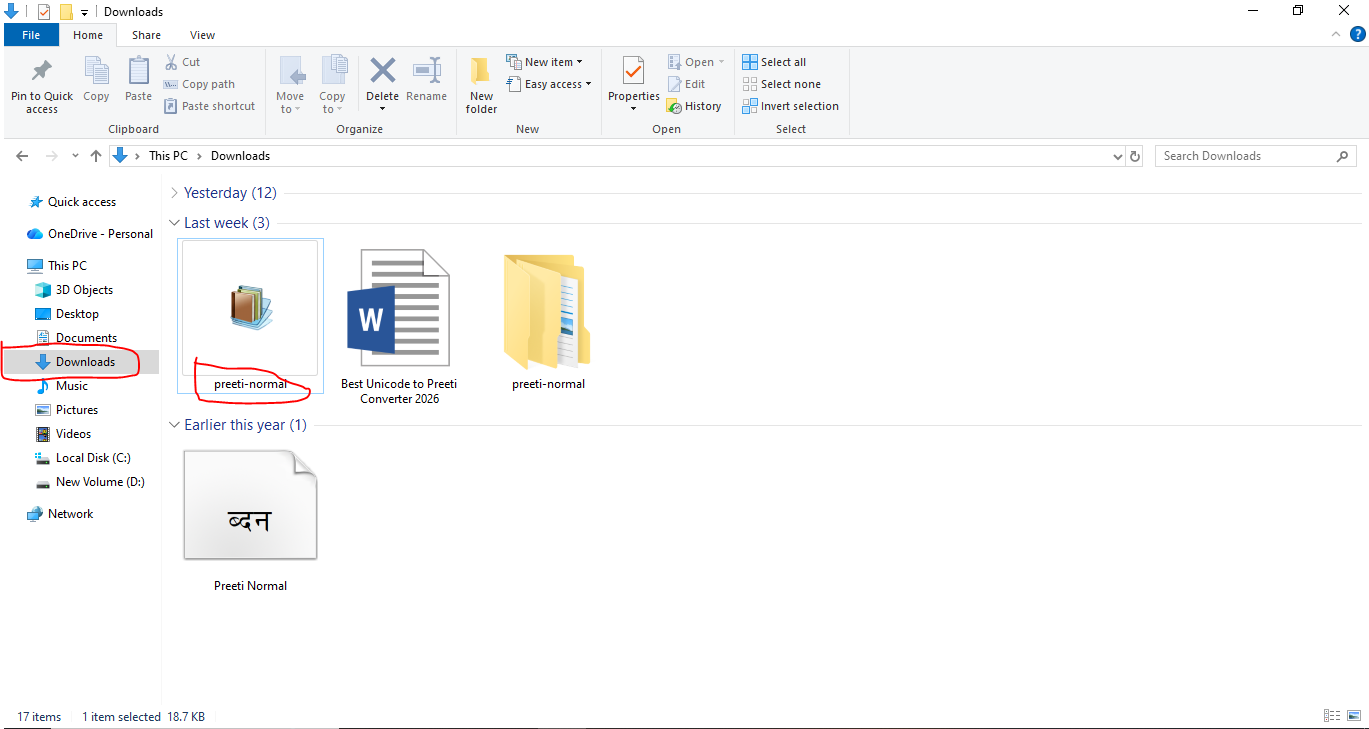
- Where are downloaded files often located? If you download them to your computer,After the download is complete, open the Downloads Go to the folder.
- There youPreeti.otf A file named will appear. Install it by right-clicking on it.
Read More Blog
Artha Sarokar Preeti Converter
Preeti to Unicode: Best Nepali Typing Tool
Best Tool for Nepali Typing
Best Tool for Image Converter
Best Tool for Students
Font install two to do Easy ways
You can install it using either of the two methods below:
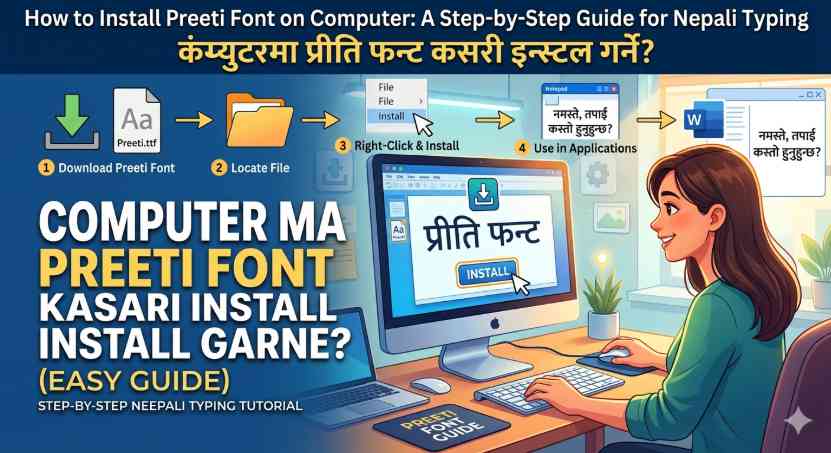
Method 1: Direct Install
- Preeti.ttf on file Right-Click Do it.
- from the options presentedInstall(If you want to install for all users on the entire computer, clickInstall for all usersSelect).
- That’s it, the font will be installed in a few seconds.
Method 2: Via Control Panel
- Preeti font fileCopyDo it (Ctrl + C).
- of your computerControl PanelOpen it.
- There Appearance and PersonalizationinsideFontsGo to the folder.
- Go to that folder and copy the filePaste(Ctrl + V).
Check if the font is working
Once the font is installed, you’re ready to use it:Microsoft WordComeNotepadOpen it.
- Go to the Font Selection Menu andPreetiSearch and select it.
- Now start typing with the keyboard, your Nepali typing will start!
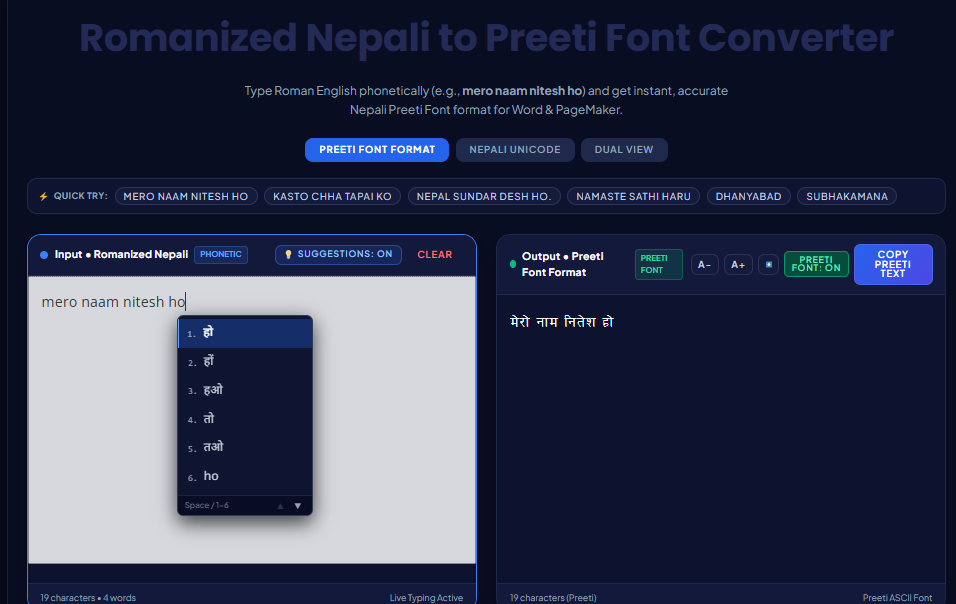
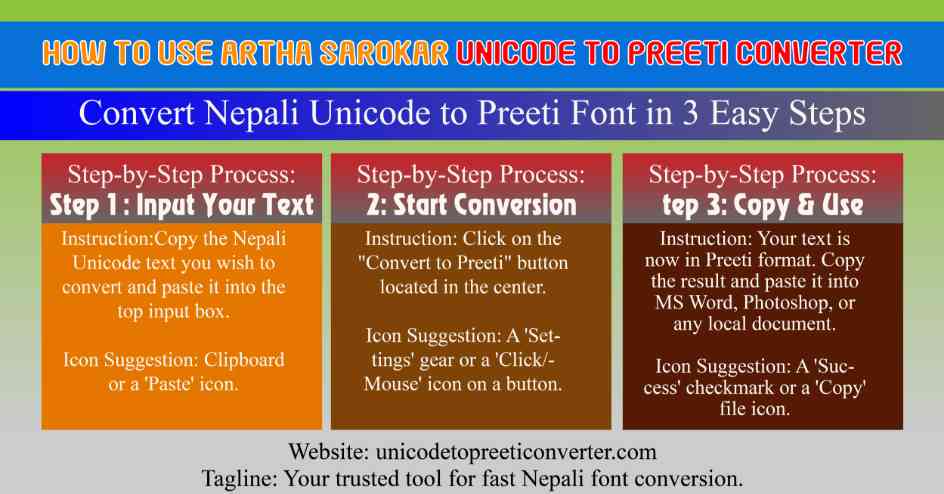
Note:The Preeti font uses a traditional layout, so pressing ‘a’ translates to ‘b’ or ‘s’ translates to ‘k’. If you’re unfamiliar with the Preeti keyboard layout, you can find it online.Unicode to Preeti Converter You can also easily convert your text using tools.
Installing the Preeti font on your computer takes just 2 minutes. Once installed, you can easily type Nepali in MS Word, Excel, Photoshop, or any other offline software. We hope this article was helpful! If you have any questions, please leave a comment below.
Read More Blog