We all want to create professional documents. I often thought it could be a challenging task. But with my hard work and dedication, I have accomplished this. And it is quite easy, but still, you cannot achieve anything without practice. In this ever-changing digital world, everything has become professional. The way AI has shown its dominance in the last few years, it seems that now there is nothing that you cannot do. Keeping this in mind, I thought why not write a blog on this topic. So that students, businessmen, government employees and people working in every field get a chance to learn something new.

Table of Contents
This problem arises when you’re creating a resume for an online job, writing a business proposal, or submitting a report. At such times, the most important things are your skills, which help you advance. But lacking these skills can create a problem.
What used to be done solely with typewriters and handwritten letters is now done through computers and software. However, simply knowing how to operate a computer isn’t enough. Creating professional documents requires specific digital skills that not everyone possesses.
In this blog, we’ll discuss in detail the essential digital skills that will help you create a polished, professional, and impressive document. Whether you’re creating a resume, writing a business proposal, or submitting a report, these skills will take your work to the next level.
1. Word Processing Software Mastery
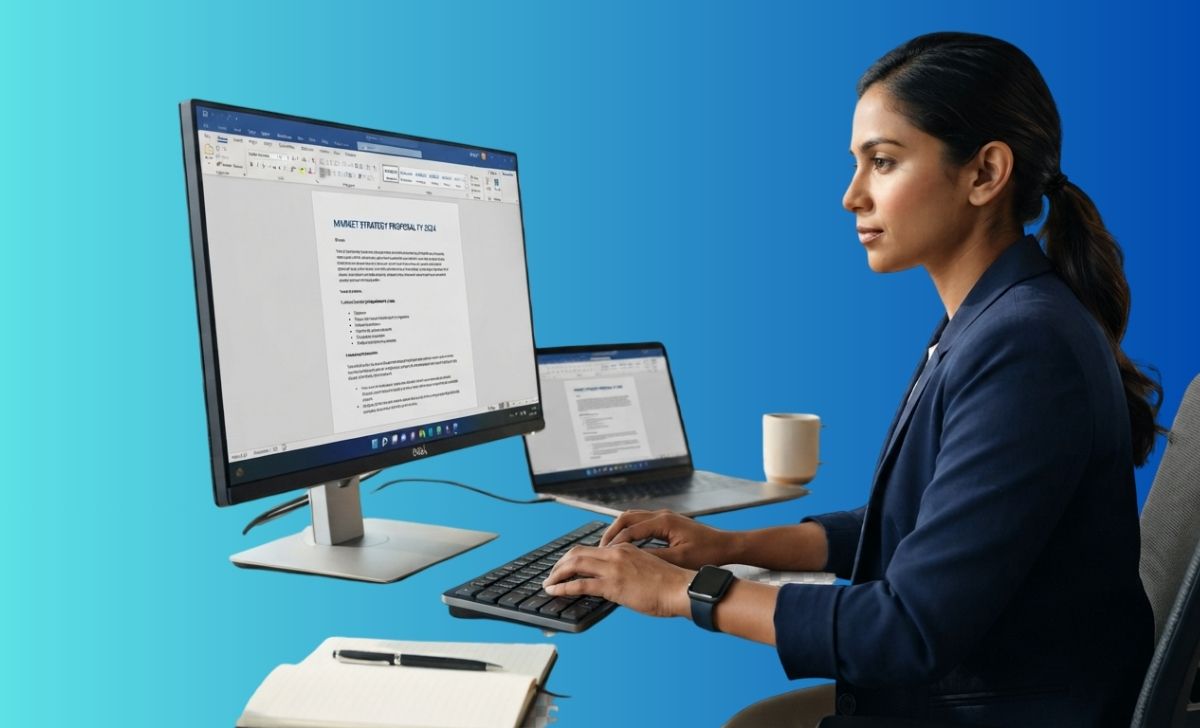
Good knowledge and good practice propel us upwards. Therefore, it’s crucial to have basic skills. This includes having a good knowledge of software, such as word processing tools like Microsoft Word, Google Docs, or LibreOffice Writer. Simply typing and adjusting fonts isn’t enough. You must be interested in the subject. Some important points are listed below.
- How to use headings and subheadings
- When and how to use bullet points and numbered lists
- How to set page margins, spacing, and alignment
- How to choose the right combination of font styles and sizes
This point might seem trivial. But when you use these elements correctly, your document not only looks professional but also looks professional. A well-formatted document creates a first impression on the reader, and this impression matters greatly, whether it’s an HR manager or a client. Professional documents impress them.
2. Document Formatting and Design Sense
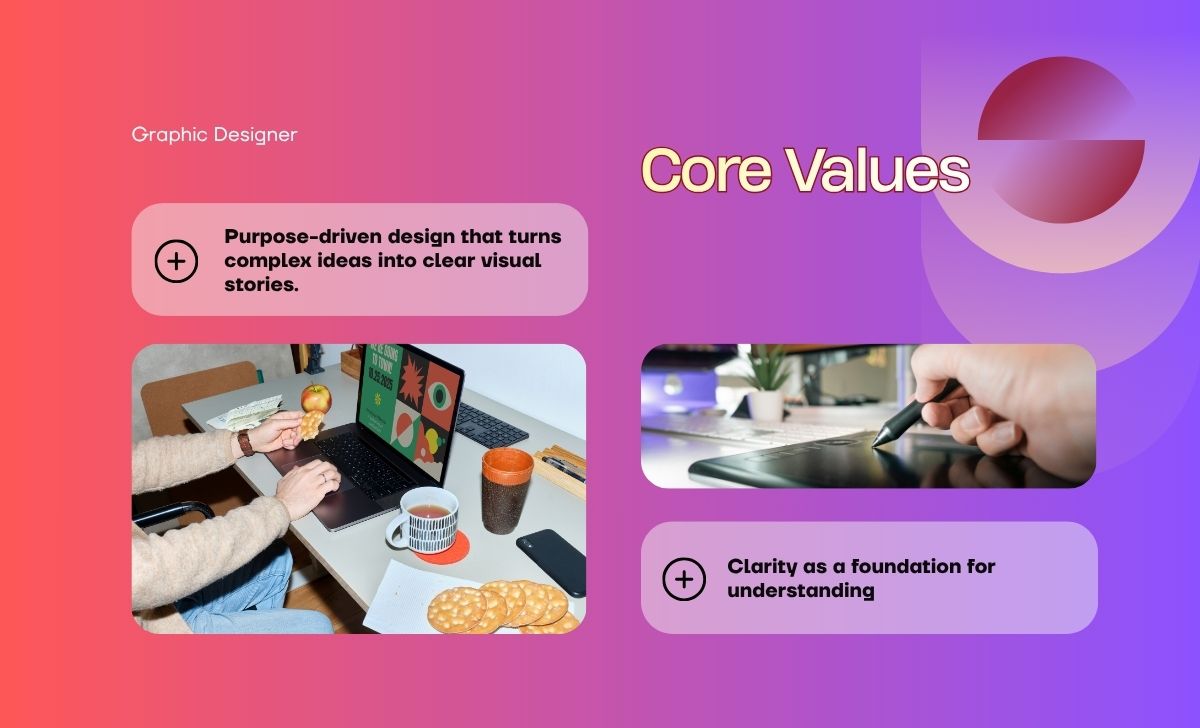
Formatting is not just limited to making the font bold or italic, real formatting comes in skills like applying color, inserting tables and charts at the right place, smart use of white space so that the document does not appear overcrowded. We have added design sense in four points.
- Using a consistent color scheme
- Inserting tables and charts in the right place
- Making smart use of white space so that the document doesn’t appear overcrowded
- Setting up headers and footers professionally
Design sense is a skill that develops over time. If you’re new to this field, you’ll need to practice. But with a little attention, you can learn it quickly. Remember, a visually clean document engages the reader more than a scattered document. Always adding new steps to your skills keeps you moving forward.
3. Using Templates Correctly
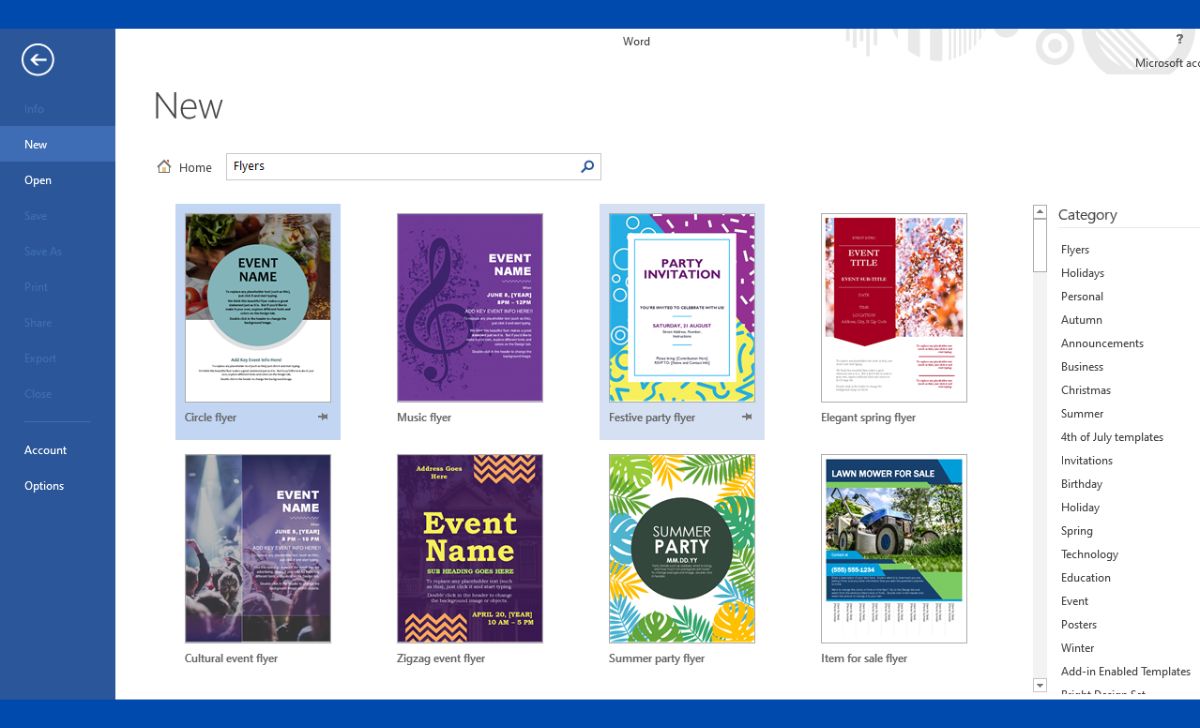
You may have noticed that every powerful software comes with templates.Many people overlook templates, but they serve as a powerful tool that saves time and maintains consistency. Professional templates are based on already tested design principles. Whether you’re creating a resume, invoice, or business letter, using a good template helps you eliminate half the work.
But it is important to note that just copying the template and filling it with content is not enough. You should know how to customize the template as per your needs, so that it does not look generic and reflects your personal or brand identity. The more you strengthen your brand identity, the more professional the document becomes.
4. PDF Creation and Editing Skills
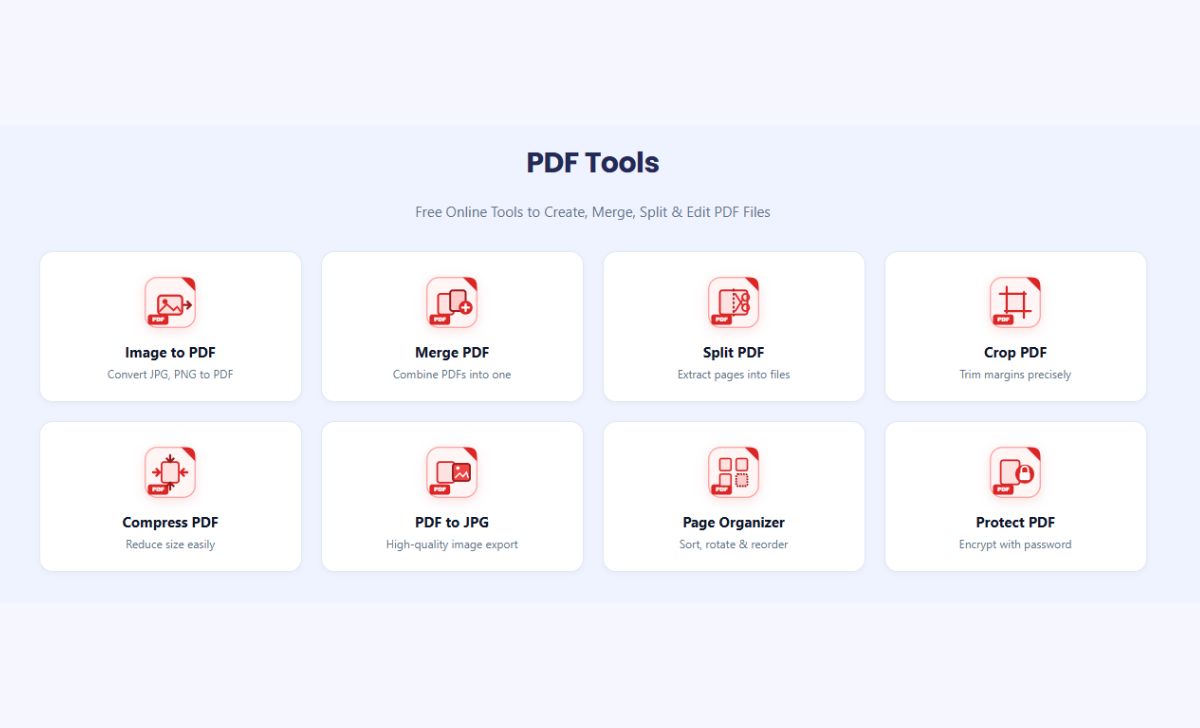
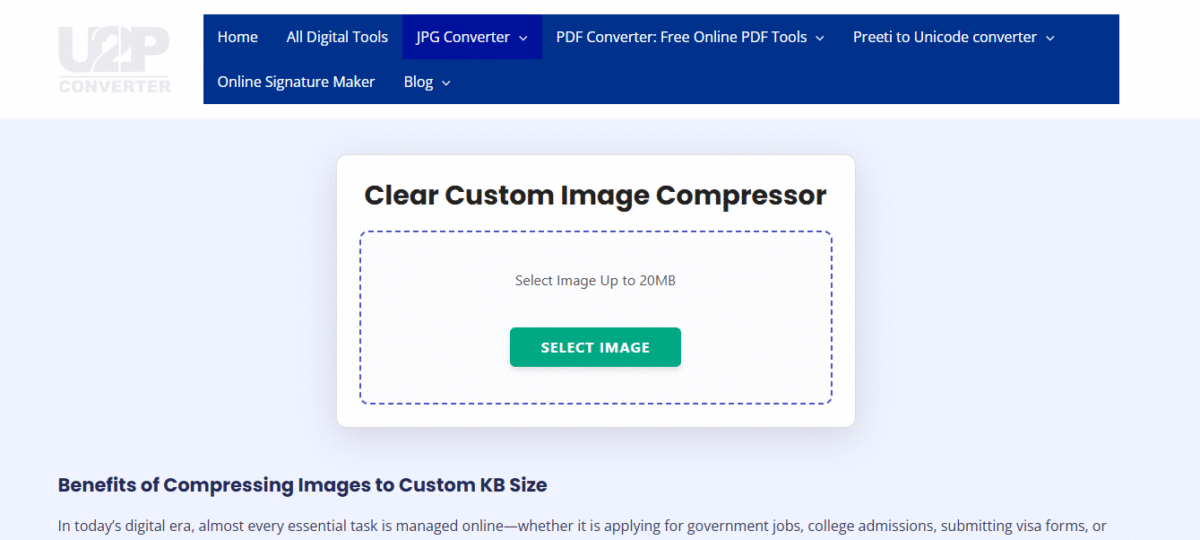
Nowadays, most official documents are shared in PDF format because this format looks the same on every device. Therefore, the skill of creating and editing PDFs has become very important. If you’re preparing documents, there are many online tools available to create PDFs of your documents. If you prefer, you can also use my PDF tools. My PDF tool is here Some related points are given below, which you can use on editing skills.
- Converting a Word or Excel File to PDF
- Filling out PDF forms
- Merging Multiple PDFs
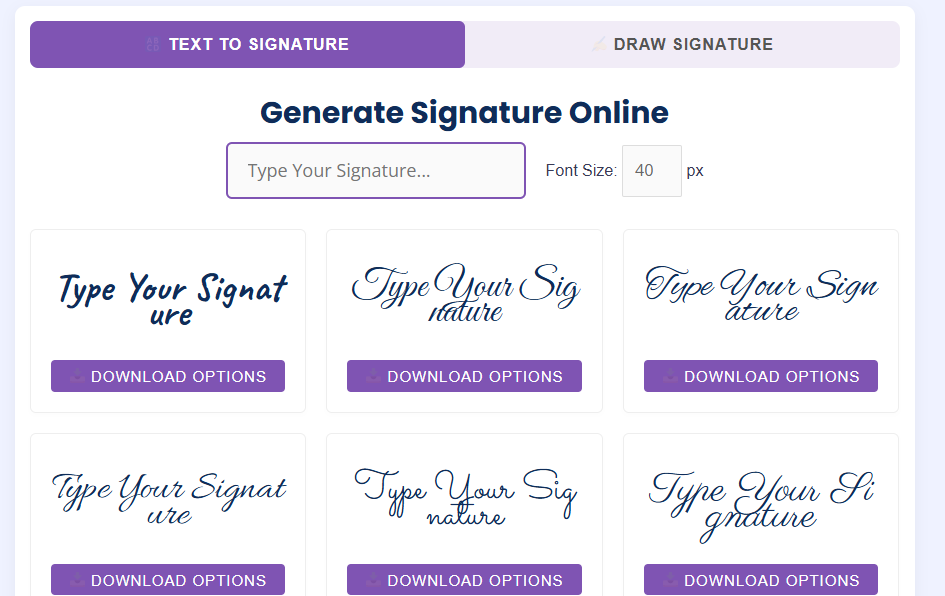
- Adding a digital signature to a PDF
You can master all these skills; they just require a little practice and knowledge. This comes in handy when handling contracts, official letters, or government forms. Even a small mistake can create a major problem with these documents. Remember to always keep a copy of the documents. Therefore, accuracy is crucial here.
5. Spreadsheet Skills (Excel/Google Sheets)
Not every professional document is solely text-based, so sometimes you’ll need to present data, budgets, or statistics. This is possible if you have knowledge of Excel or Google Sheets. If you’ve planned your entire career in this field, it’s important to have knowledge of all software.
- Basic formulas and functions
- Presenting data in table and chart format
- Sorting and filtering data
- Basic Uses of Pivot Tables
If you’re creating business reports or financial documents, this skill makes your documents data-driven and credible, which impresses both readers and clients.
6. Presentation Skills (PowerPoint/Google Slides)
Presentation Skills are not limited to offices or meetings, it is necessary for us in different fields.Considering professional documents solely paper-based is limiting. You need to manage your thoughts and present them. During job interviews, you need to prove yourself through presentations.
It has numerous benefits, including engaging clients for your business, presenting proposals, and discussing future business opportunities with the team. Communicating the merits of a product, service, or brand to customers, along with classroom speeches, conducting workshops, and addressing people at public events.
It’s useful in almost everything. No matter what the program is, you can explain things to people clearly through presentations. They prove effective in every field. Therefore, you need to keep a few things in mind. For example, creating slides in PowerPoint or Google Slides is an essential digital skill you need to master, and with some practice, you can create professional documents. Some points are given below.
- Clean and minimal slide design
- Use of correct images and icons
- Keeping text concise and readable
- Limited and professional use of transitions and animations
A good presentation isn’t just about conveying information, it’s about engaging the audience. Therefore, this skill is considered part of professional documentation.
7. Use of Grammar and Proofreading Tools
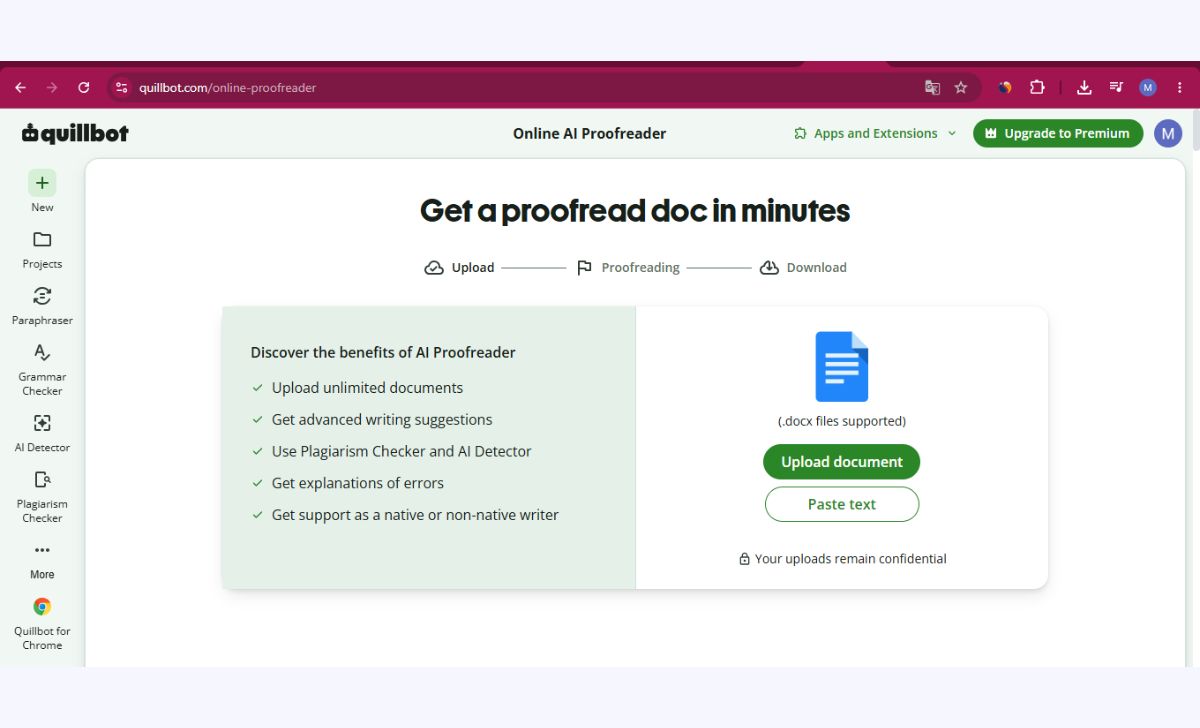
No matter how good our language skills are, mistakes are bound to happen. This is seen in every field: graphics, typing, video editing, or any other task. Therefore, there are many tools available online; you can choose the one that best suits your needs.For example, you should learn to use Grammarly, Microsoft Editor, or Google Docs’ built-in grammar checker. Below are some pointers on these tools.
- Catch spelling and grammar errors
- Helps in improving sentence structure
- Maintains tone consistency
Grammar mistakes in a professional document create a very negative impression. Therefore, it’s always best to use proofreading tools before final submission.
8. Cloud Storage and File Sharing Skills
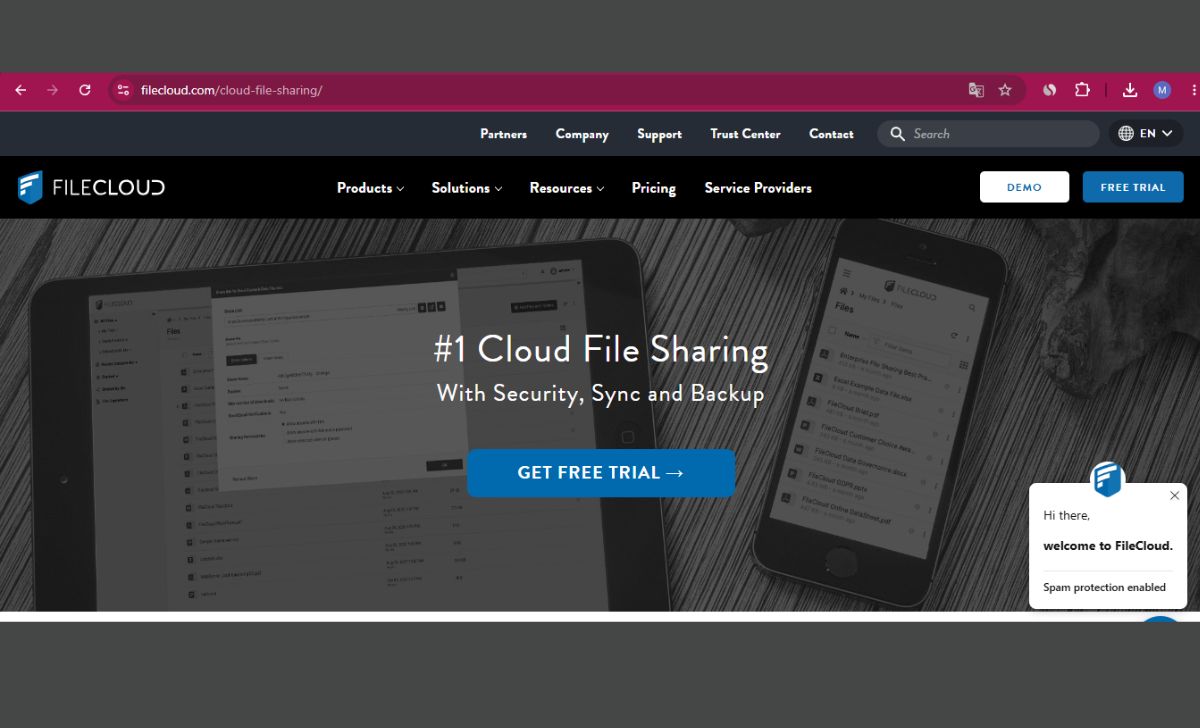
Once you’ve completed all the steps, cloud storage and file sharing become essential. You’ve often noticed that after a document is ready, it needs to be shared. Otherwise, your document will remain with you. SharingAn important part of digital documents is their safe storage and sharing. Therefore, you should know how to use platforms like Google Drive, OneDrive, and Dropbox.
- Organizing files into folders
- Setting sharing permissions (view only, edit access)
- Tracking version history
- Access from multiple devices
This skill is especially useful in team projects where multiple people work on the same document. You can use and learn them by visiting the Google Drive, OneDrive, and Dropbox websites.
9. Basic Cybersecurity Awareness

Whether it’s your document or a customer’s trust, it’s your duty to keep those documents safe and share them as needed.Professional documents often contain sensitive information such as personal details, financial data, or business secrets, so basic cybersecurity awareness is also a digital skill. Some points are listed below.
- Password protected documents Make
- Recognizing Phishing Emails
- Sharing documents through secure links
This skill may not seem directly related to document creation, but it is equally important in a professional environment.
10. Integration of Time Management and Digital Tools

Last but not least, the most important skill is efficiently managing your digital tools. This is essential for me, for you, for everyone. Switching between multiple tools, working according to deadlines, and using digital calendars or task managers all combine to make you a complete professional who not only creates good documents but also delivers them on time.
my message
Creating professional documents is an art that you can learn by practicing a little bit every day. It’s a combination of technical skills and creativity, both of which help you create professional documents. The above digital skills word processing, formatting, PDF handling, spreadsheets, presentations, grammar tools, cloud storage, and cybersecurity—combine to make you a complete digital professional.
If you continue to practice these skills gradually, you’ll notice that your documents will look more polished, professional, and impressive than ever before. Remember, a good document doesn’t just convey information; it’s also a reflection of your personality and professionalism. So start working on these skills today and take your documents to the next level.