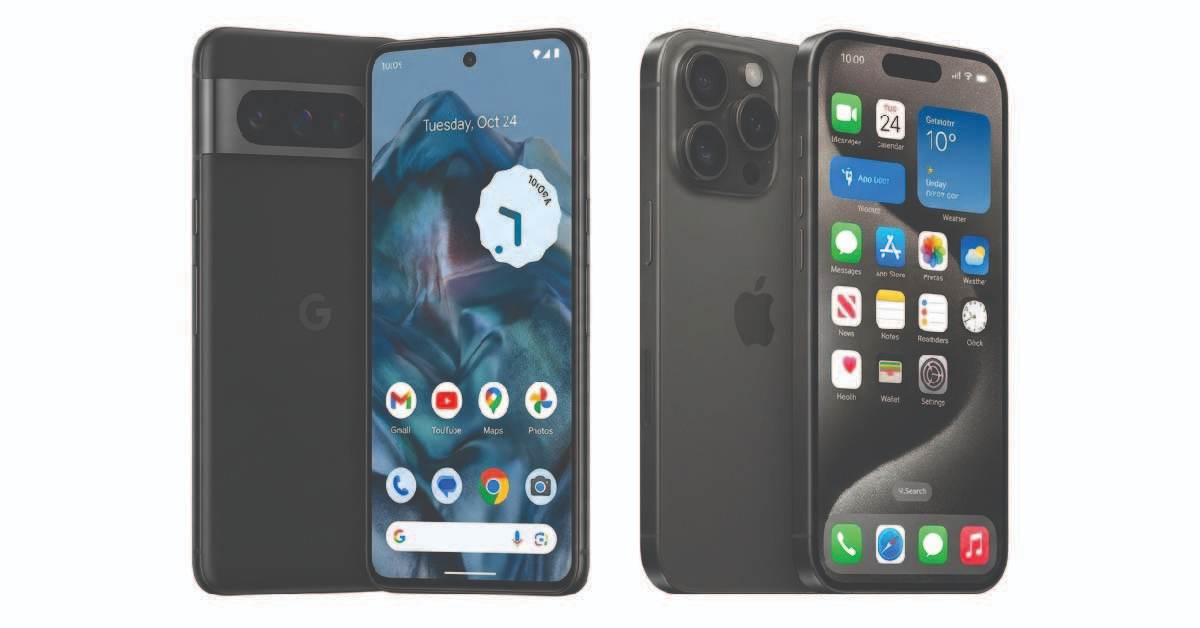
These days, using your mother tongue for blogging, social media, or chatting with friends has become increasingly popular. Whether you’re with friends, working at work, or attending an event, writing a document, or submitting it to a government office, you should be able to quickly use your Android or iPhone. This saves time and reduces stress. By doing half the work yourself, you’ll have less time to go anywhere else, saving you time.
If you also want to write Nepali on your smartphone, then follow the methods given below.
1. How to set up Nepali keyboard in android phone?
Most Android phones Gboard Google Keyboard is already included. This is the best tool for typing in Nepali. Using this tool, you can type in any language on your phone.
- Go to ‘Settings’ on your phone and select ‘Languages & Input’ or ‘System’ option.
- Select Gboard:Click on ‘Virtual Keyboard’ and select ‘Gboard’.
- Add language:Tap on ‘Languages’ and select the language below.‘Add Keyboard’Click on the button.
- Search Nepali:Find ‘Nepali’ in the list. You’ll find two main options here:
- Nepali (Traditional):It has a direct Nepali keyboard.
- Nepali (ABC -> Nepali):This is the easiest. You type in English (Roman) and it will automatically be converted to Nepali (e.g., typing ‘Namaste’ will become ‘Namaste’).
- Done:Now while typing press and hold the space bar and select Nepali keyboard.
2. How to do Nepali typing in iPhone (iOS)?
Setting up the Nepali keyboard on iPhone is very simple:
- Go to Settings:Open your iPhone’s Settings.
- Select General:Here click on ‘General’ and then‘Keyboard’Select options.
- Add a new keyboard:Tap ‘Keyboards’ and then‘Add New Keyboard’Click on.
- Select Nepali:Type ‘Nepali’ in the search bar and select it.
- Switch:While typing, you can switch to Nepali language by clicking on the ‘Globe’ icon on the keyboard.
3. Alternative Apps
If you don’t want to use the system keyboard, you can also download these apps:
- Hamro Nepali Keyboard: This is the most famous app for Nepali typing which also provides the facility of stickers and emojis.
- Google Indic Keyboard: This is also a good option.
conclusion:Whether you want to type in pure Nepali or use Roman script for ease, the methods above will make your task easier. Now, blog or send messages in Nepali on your phone without any hassle!
Read More Blog
Artha Sarokar Preeti Converter
Preeti to Unicode: Best Nepali Typing Tool
Best Tool for Nepali Typing
Best Tool for Image Converter
Best Tool for Students