Often, when students buy a new laptop or desktop computer, they don’t know what a font is. This is important, and I believe this blog will be very helpful to students and those working online from home.
In today’s current situation, software is very important for us, whether it Be it MS Word, Corel Draw or Photoshop, fonts are used extensively in every field. If you do not know how to use fonts, then it is a helpless situation.
Therefore, in this blog I am going to tell you about Preeti Font used in MS Word.
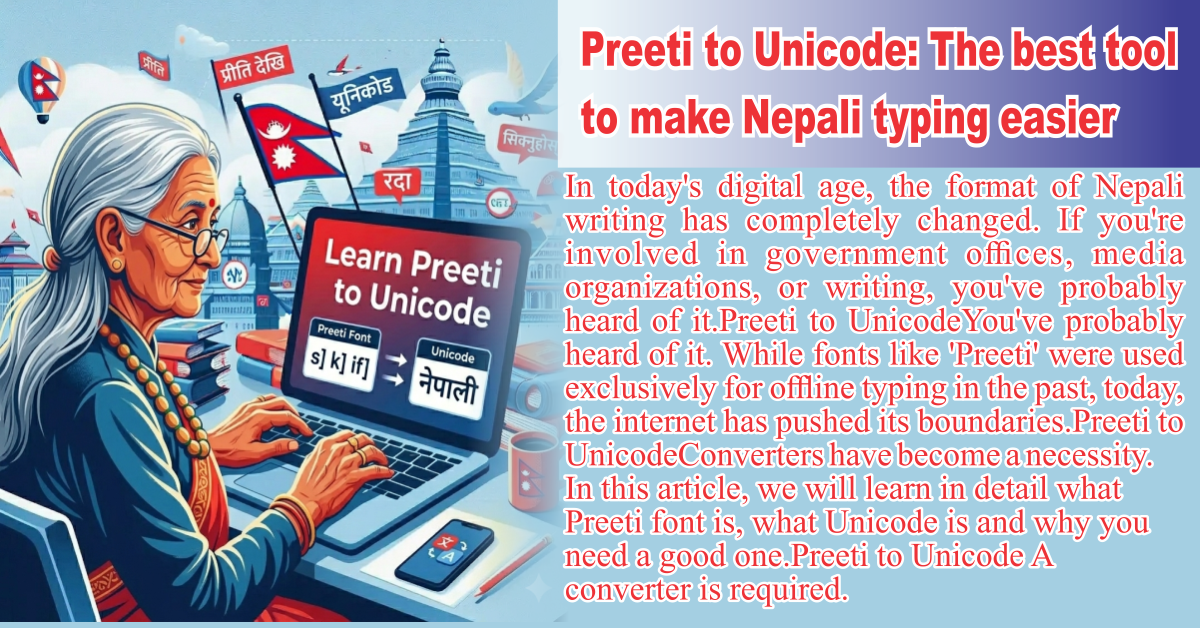
In MS WordHow is Preeti Font used? If you are looking for Nepali or Hindi typing Preeti Font If you want to use , MS Word is the most popular platform for it. However, since it’s a non-Unicode font, the setup process is slightly different. Let’s find out what that different method is.
Here’s a step-by-step guide on how to use it on your computer:
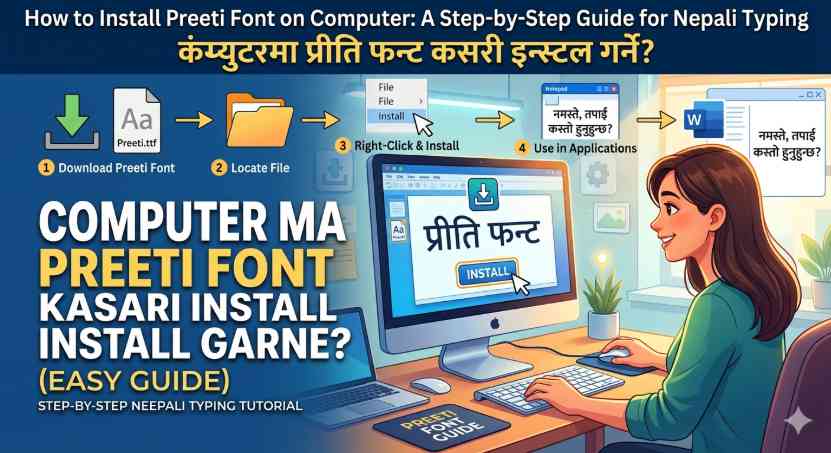
1. Download and install Preeti Font
First of all, you must have this font on your system. If this font is not there, it will not be visible on your system.
- Download the TrueType Font (.ttf) file of ‘Preeti Font’ from the Internet.
- on the downloaded file Right Click Do and Install Click on.
- Once installed, it will appear in all writing software (like MS Word, Excel) on your computer.
2. Select the font in MS Word
- MS Word Open.
- Home Tab Go into and Font Click on the dropdown menu.
- Type ‘Preeti’ there and Enter Press.
- Now whatever you type from the keyboard will appear in Preeti font.
3. How to convert from Unicode to Preeti?
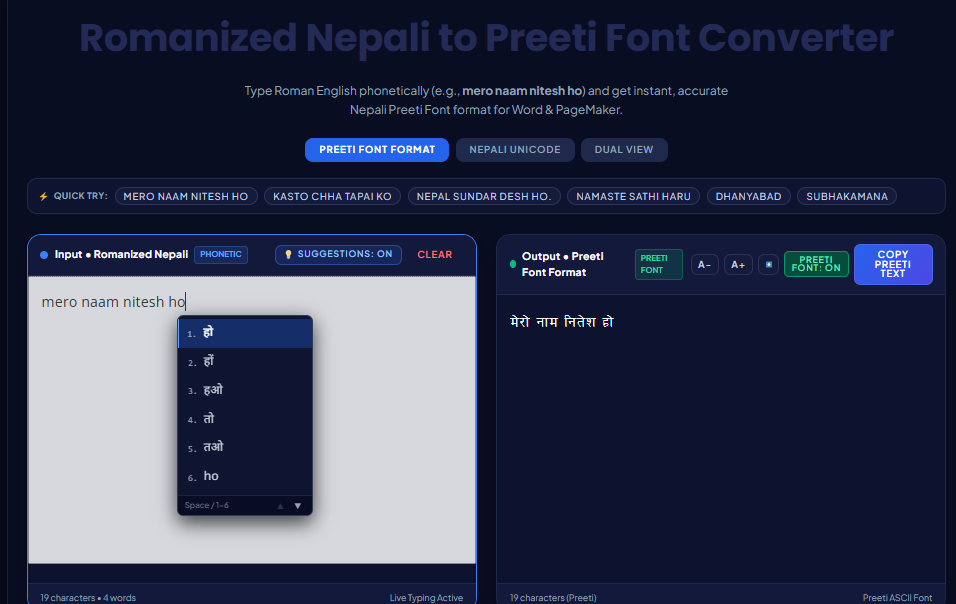
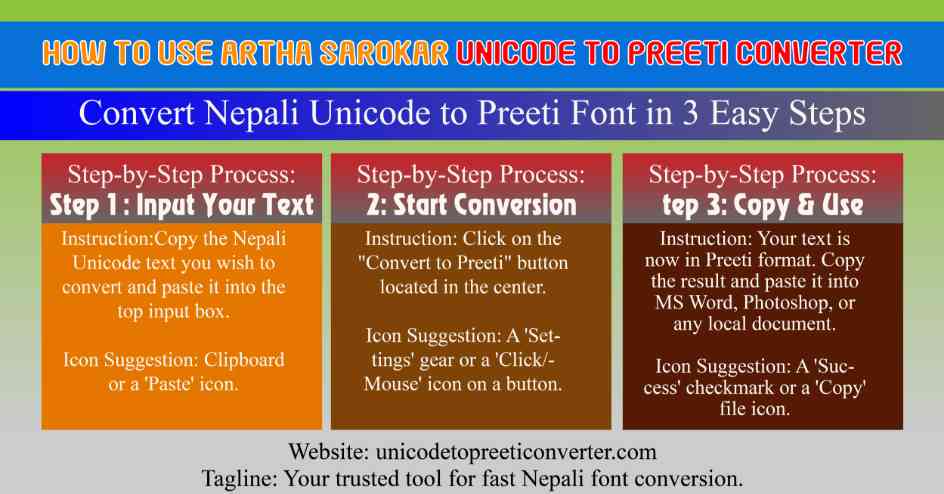
Since most people nowadays type in Nepali/Hindi (Unicode) on mobile or the web, typing directly into MS Word can be a bit difficult. You can do this online.Unicode to Preeti Converter Can use:
- Type your text in Unicode (e.g. Mangal font).
- Paste it into the converter tool.
- Copy and paste the converted text into MS Word.
- After pasting, select that text and change the font style.‘Preeti’ Set it to .
Things to keep in mind:
- Keyboard Layout: The Preeti font has its own keyboard layout (e.g., pressing ‘q’ produces ‘tra’). You’ll need to learn its keyboard map.
- Save a PDF: If you’re sending your file to someone else, PDF Save in the format. If the other person doesn’t have the Preeti Font on their computer, they won’t be able to understand your text.
- Turn off Auto-Correct: Sometimes, while typing in MS Word, words get changed automatically. File > Options > Proofing > Auto Correct Options Go in and turn off auto-correct.
conclusion
Using Preeti Font in MS Word is still crucial for government and official documents. Once the font is installed, you can easily start typing.
Flow More Links