In today’s digital age, it’s common for almost every gadget to be wirelessly connected. Whether it’s your smartphone, wireless earbuds, gaming mouse, or smart TV, everything is becoming wireless. But in the future, even new wireless products may enter the market.
Table of Contents
But most people assume that Bluetooth, Wi-Fi, and 2.4G are the same technology. However, they don’t. In fact, all three operate in very different ways. Each has its own speed, range, power consumption, and usage patterns.
In this blog, we’ll use simple language to explain the differences between Bluetooth, Wi-Fi, and 2.4G wireless connections, which technologies are best for which purposes, and which option will be best for your device.

Basic difference between Wi-Fi, Bluetooth and 2.4G
First, let’s try to understand the definitions of Wi-Fi and Bluetooth. It’s important to understand that both Wi-Fi and Bluetooth are wireless technologies, while 2.4G is essentially a radio frequency band. This means that 2.4G isn’t a separate “technology,” but rather a frequency range over which devices transmit data.
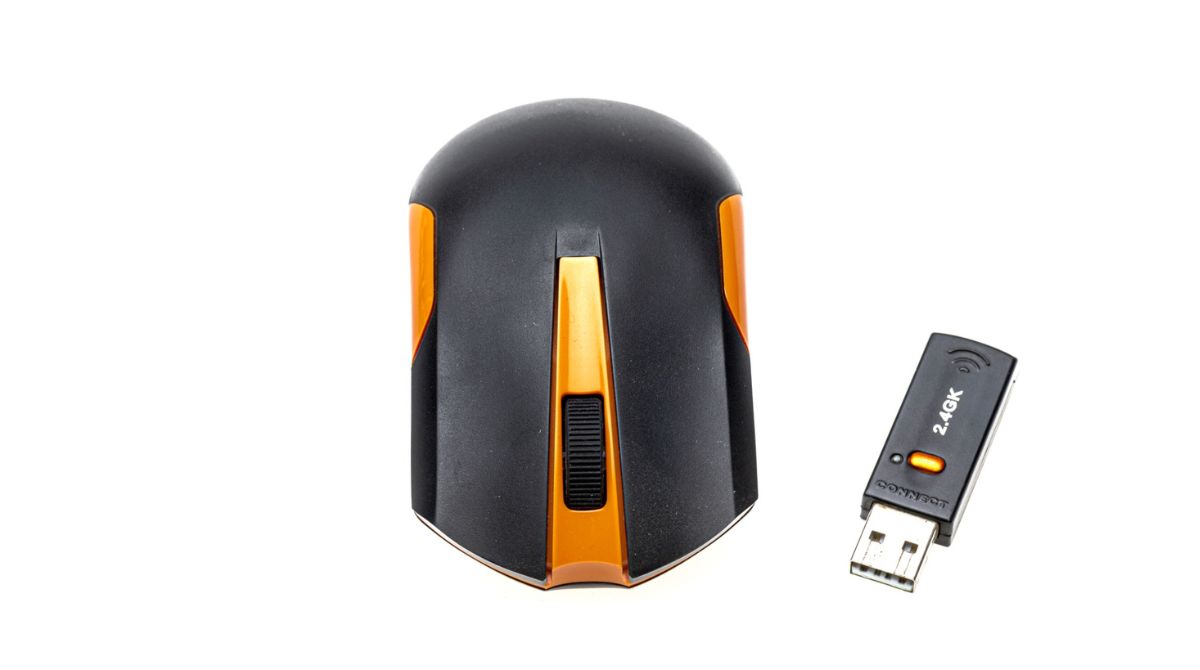
The most important of these three is that only Wi-Fi is capable of providing internet access.There is no separate device that can replace Wi-Fi.Bluetooth has always been commonly used to connect audio devices like earbuds or speakers to phones or tablets, which we all use in our daily lives. 2.4G is commonly used to connect peripherals like keyboards and mice to computers or laptops. Have you ever paired a mouse and keyboard?
Features of Wi-Fi
The biggest strength of Wi-Fi is that it can create a complete local wireless network, to which dozens of devices can be connected simultaneously. Like dozens of people using Wi-Fi together in the office or a family using Wi-Fi together at home. This is linked to local wireless network. Its range is more than both the technologies. The range of Wi-Fi can go up to about 50 meters. According to some work, even when we are 50, 55 meters away from the office, the effect of Wi-Fi range is easily connected in the mobile. Whereas the range of Bluetooth and 2.4G is mostly limited to 30 meters.
Wi-Fi is also at the forefront in terms of speed. Latest technologies like Wi-Fi 7 can provide speeds up to several Gbps, whereas Bluetooth speeds remain around 3 Mbps and 2.4G generally provides speeds less than 10 Mbps. But its advantages and disadvantages can be linked to our monthly expenses. It is not free, hence one has to pay a price for high speed and large bandwidth. The power consumption of Wi-Fi is much higher than the other two technologies.
Read More:
Similarities and differences between Bluetooth and 2.4G
Remember this,Both Bluetooth and 2.4G are used for short-range data transfer. However, their design is different. As mentioned above, Bluetooth is a wireless technology, while 2.4G is a radio frequency technology. Unlike Wi-Fi, neither requires a router to function.
Their power consumption is also much lower than Wi-Fi, making them an excellent choice for devices where long battery life is essential, such as wireless headphones or accessories like keyboards and mice.
Wi-Fi or Bluetooth: Which is better for connection?
We all know that if we don’t get Wi-Fi for a day, it’s bound to be a bad day.mostlyIn some cases, connecting via Wi-Fi is preferred, as it’s the only technology that provides network access; Bluetooth can’t. However, this really depends on the device you’re using.
Wi-Fi has a much greater range than Bluetooth. While Wi-Fi can work up to 50 meters, Bluetooth’s range is mostly limited to around 10 meters. That means a difference of 40 meters is observed. On the other hand, Wi-Fi connections consume much more power than Bluetooth, which is why most small peripherals prefer Bluetooth technology.
If you need excellent performance, fast transfer speeds, and low latency, Wi-Fi is the best option. It requires a router. Without one, you won’t be able to use it. On the other hand, if you just need to pair devices easily and reliably, Bluetooth is a better option due to its lower power consumption.
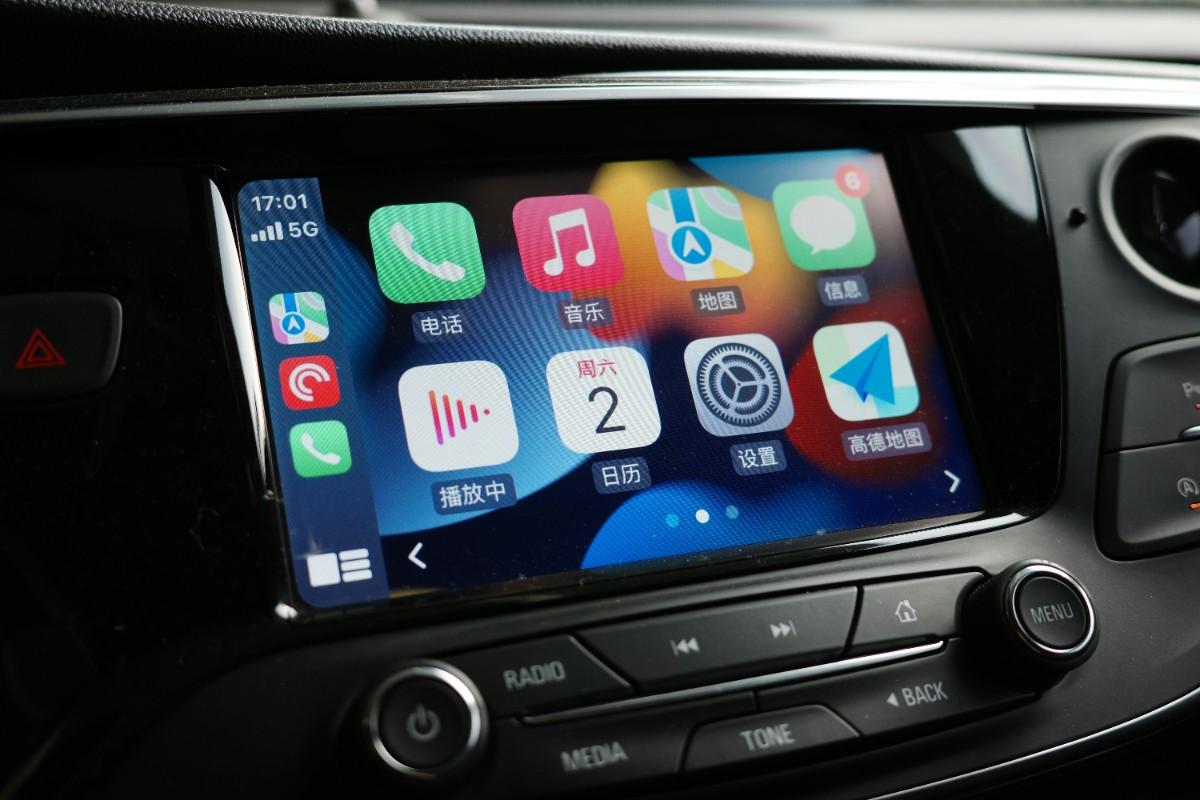
Often, this choice isn’t straightforward. For example, when connecting new headphones, you have no choice but to use Bluetooth; we can’t imagine without it. However, Wi-Fi is required to connect to the internet or stream content. In some cases, the two technologies work together, such as in Android Auto, where high-bandwidth Wi-Fi is required to run the map interface.
Why is 2.4G preferred in PC peripherals?
There are several reasons why many devices, such as wireless keyboards, mice, gaming headsets, and controllers, use the 2.4GHz band. The biggest advantage is that 2.4G connections offer lower latency than Bluetooth.
But some of the best gaming mice currently offer polling rates of up to 8,000Hz, which isn’t possible over a Bluetooth connection. The same is true for gamepads. Bluetooth adds significantly more input lag than a 2.4G connection with a dedicated wireless dongle. While 2.4G typically tracks in the 1-5ms range, this latency can reach up to 30ms on Bluetooth devices. In competitive online shooting games, where every frame counts, minimizing input lag becomes extremely important.
Devices using 2.4G wireless dongles offer a more stable experience than Bluetooth, with fewer dropped connections. For headsets, 2.4G models offer features like lower audio latency, better mic quality, and higher bandwidth audio. 2.4G connections also consume significantly less power, improving battery life for peripherals.
Bluetooth vs Wi-Fi vs 2.4G: A Brief Comparison
| Parameters | Wi-Fi | Bluetooth | 2.4G |
| Internet access | Yes | No | No |
| Maximum Range | about 50 meters | about 10-30 meters | about 30 meters |
| Speed | Up to several Gbps | About 3 Mbps | Less than 10 Mbps |
| latency | Less | High (up to 30ms) | Very low (1-5ms) |
| Power consumption | more | Less | Very little |
| Main uses | Internet, Networking | Audio Device Pairing | Gaming Peripherals |
Which technology should be chosen for which work?
- Internet browsing, streaming, and large file transfersWi-Fi is the best option for this.
- Earbuds, speakers, and smartwatchesFor audio devices like this, Bluetooth is the most practical and battery-friendly option.
- Gaming mouse, keyboard, and controllerFor example, for devices where low latency and fast response are required, 2.4G proves to be the best.
Bluetooth, Wi-Fi, and 2.4G are all very useful wireless technologies, but they differ in their application. While Wi-Fi excels in speed and networking, Bluetooth offers easy pairing and low power consumption. 2.4G, on the other hand, is best for gamers and users who require low latency and a stable connection. Choosing the right technology for your device and usage can help you achieve a better wireless experience.
Read More:
- Red Dead Redemption gets new life: Reality Redemption mod changes the entire look of the game
- Apple makes a big move in China: Mac users can now use Alibaba Qwen AI
- SK Hynix big bet: $38 billion investment will change the world of memory chips
- Mega Millions Update: Will Anyone Get Lucky on August 7, 2026
- OpenAI new Donut device: Will it be your home’s next smart companion?