Microsoft recently published a news release, sharing the full details of the Windows Quality Improvements it promised four months ago in March.In this article published by has issued its statement on the changes being made to the core architecture, user interface, customization and system performance of Windows 11.
Table of Contents
March resolution and key focus areas
As I mentioned in March, Microsoft made promises to improve Windows. It pledged to make immediate changes to achieve this. It chose three pillars: performance, reliability, and excellent craftsmanship. Emphasis was placed on this, but efforts have also been made to address the following priorities, as you can see below.
- Providing more customization options to the Windows taskbar.
- Integrating AI into more meaningful and relevant places.
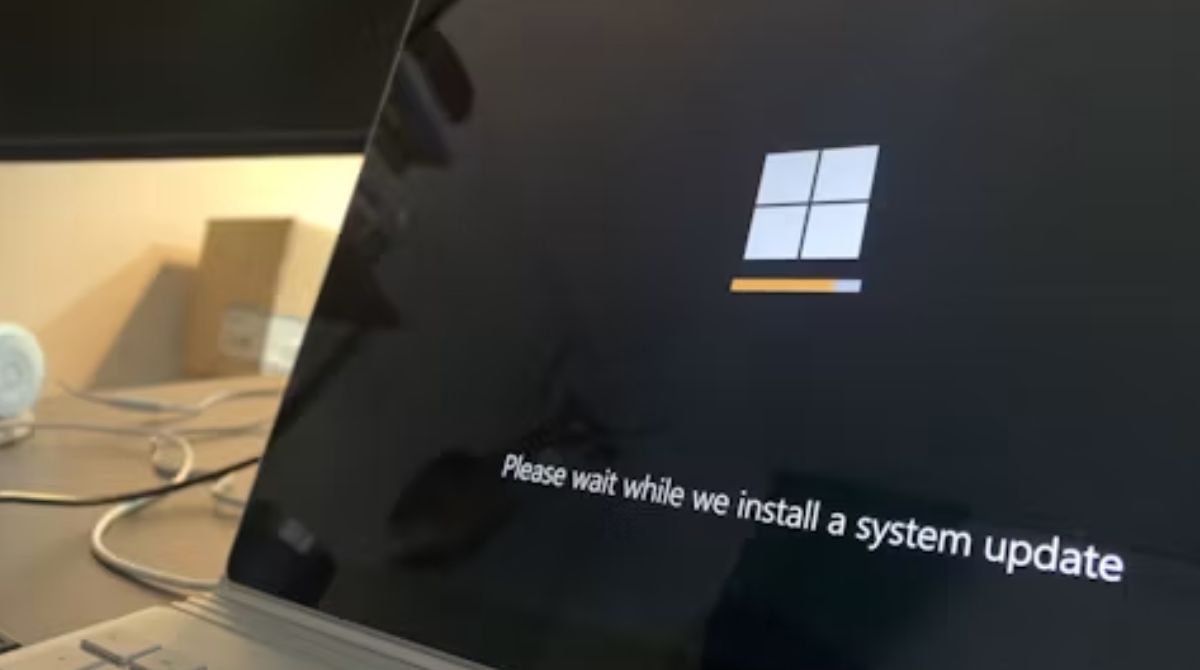
- Reduce interruptions and disruptions caused by Windows Updates.
- Making File Explorer faster and more reliable.
- Giving users greater control over widgets and feed experiences.
- Making the Windows Insider program and Feedback Hub more transparent and simple.
According to the informationMany of the improvements rolled out to Windows Insiders over the past few months will begin to become widely available to all Windows 11 PC users.
achievements and technological improvements by July 2026
- Microsoft in four monthsThere have been many improvements to various components of Windows, such asSince May, Windows Insiders have been able to change the position of the taskbar and customize the Start menu more personally.
- Improvements like a quieter Search home screen, clearer results, and removing promotional content from web results have been previewed since early July.
- File Explorer, Significant improvements have been made to its architecture to make launch and navigation more responsive. Long-standing issues on the home page, such as choppy transitions and blurry thumbnails, have been fixed.
- Driver Quality Initiative,This comprehensive initiative was launched in May and aims to raise the bar for driver quality, reliability and safety across the ecosystem.
- Connectivity and HardwareDiscovery failure has been reduced while improving USB 4 docking performance, improved compatibility with Bluetooth devices like AirPods, and printer connectivity.
System performance and memory optimization
Microsoft has invested heavily in strengthening the operating system, from the kernel and shell to apps and developer tools.
- Do all the work without interruption, likeLaunching apps in the Start menu, File Explorer, Search, and Snipping Tool is faster than ever.
- Boot and logon times have been improved to allow users to reach the desktop quickly.
- Improved Windows memory efficiency by using an efficient memory allocator, tuning WinUI 3 for lower memory consumption, and optimizing Chromium and Webview2 components.
- Windows Hello’s accuracy has been improved to make the sign-in process with your face or fingerprint faster and more secure.
What new things can come by the end of the year.
Microsoft takes responsibility for its workNow expanding its reach into four new regions viz.Onboarding and Setup working through, making the out-of-box experience faster and simpler to make setting up a new PC easier.
Pay attention to memory optimization, reducing Windows’ memory footprint for PCs with 8GB or more of RAM to keep your PC faster in everyday use.
According to family control,It also aims to simplify the setup process for families and simplify access to parental controls.Voice InteractionMaking voice-based interactions more natural for daily use across a variety of apps.
Finally, Microsoft said, “We are grateful for the feedback and enthusiasm of the Windows Insiders community. The company’s clear message is that they will continue this improvement journey without slowing down, while keeping Windows quality a top priority.”