If you are a citizen of Nepal and are tired of making repeated trips to government offices after getting your National Identity Card (Rashtriya Pehchan Patra), there is some relief now. The Department of National ID and Civil Registration (DoNIDCR) of the Government of Nepal has launched a facility that allows you to download your e-NID from the comfort of your home using your mobile phone. This service was launched as a trial in June 2026, and citizens who have already received a National Identity Number can download their card by providing their name (in Nepali or English), date of birth and date of issue of citizenship.
To be honest, this change marks a major step forward in Nepal’s digital governance journey. Previously, citizens had to visit offices to obtain a copy of their card, stand in line for hours, and sometimes even waste days on paperwork. Now, all this is a matter of just a few minutes.
Table of Contents
What you need to know before downloading eNID
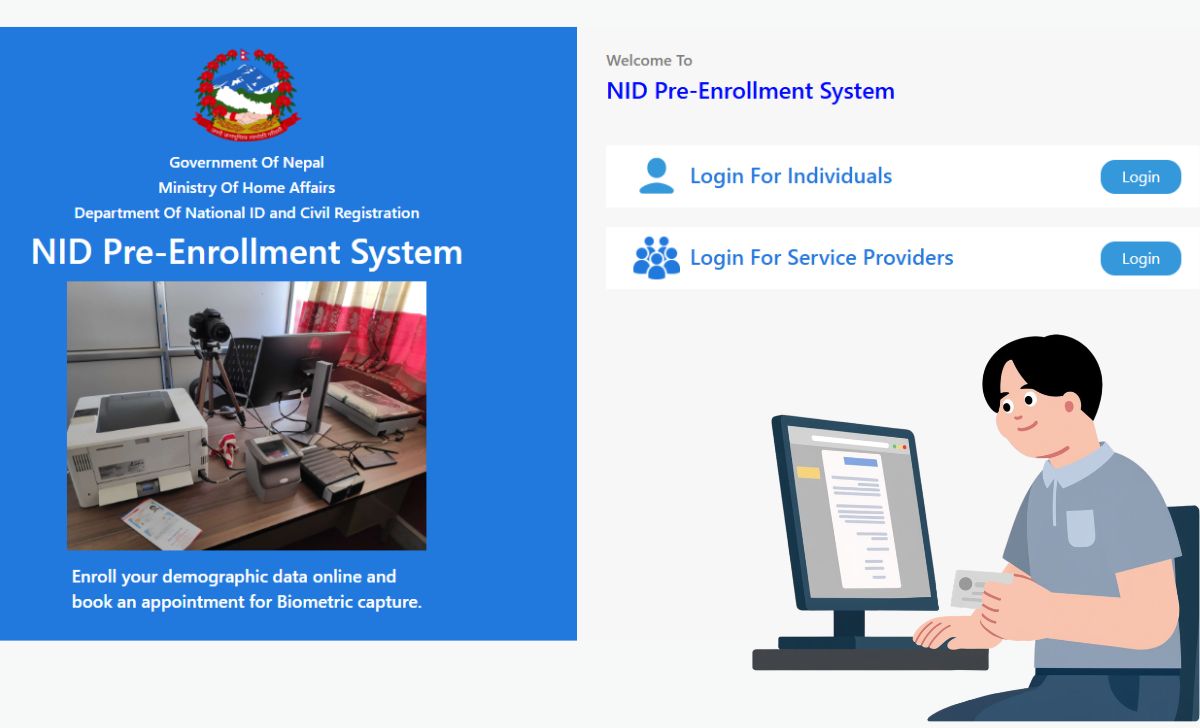
First, it’s important to understand that you must already have an NID number. This means you must have previously completed the biometric (fingerprint, iris, and photo) process. If you haven’t already applied, you’ll need to pre-enroll on the DoNIDCR portal and then visit your nearest District Administration Office (DAO) to have your biometrics processed. When your card is sent for printing, you’ll receive a message on your registered mobile number, making you eligible to download your eNID.
Step-by-Step Download Process
For those who already have an NID number, the process is something like this.
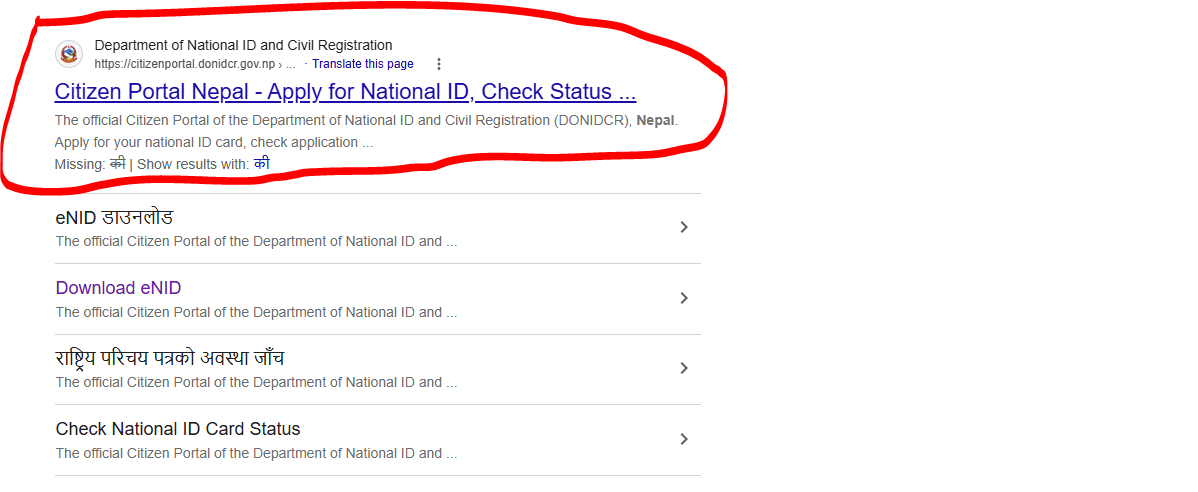
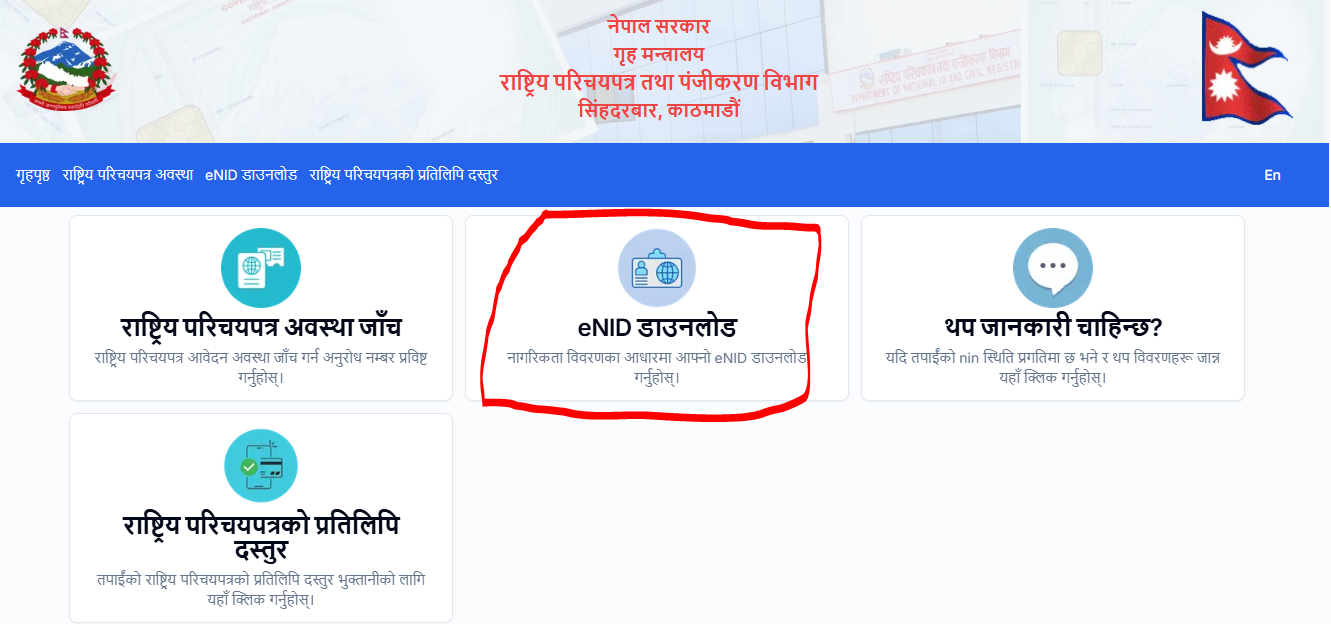
First visit the official eNID download website citizenportal.donidcr.gov.np/ne Go to and click “Download eNID.” Then, enter your information, making sure it matches your National ID registration record exactly, otherwise the system will not be able to verify your details. A 6-digit OTP will then be sent to your registered mobile number, which you must enter to proceed. After successful verification, click “Generate eNID,” which will generate your electronic National Identity Card. Finally, click “Download eNID,” and your card will be downloaded to your phone as a PDF file.
Read More: How to Register Nepal National ID Card Online ? (2026)
This entire process usually does not take more than 5 to 10 minutes, provided your details and mobile number are registered correctly.
One important thing that people often forget
Many people face the problem that the OTP does not arrive at all. This is because if your mobile number is not updated in the NID records, then to receive the OTP, you must first go to the National Identity Card Office or the District Administration Office and update your number. So, if you do not receive the OTP the first time, do not panic; just check whether your mobile number is registered correctly. Some users initially faced technical problems like the captcha not loading, which the government is gradually fixing as this service is still in the trial phase.
What will be in the downloaded card
Your e-NID will contain your photo as well as a QR code, allowing any institution or office to instantly verify your identity. The government’s goal is to ensure that people no longer rely solely on printed National Identity Number slips, but instead use this digital QR code to verify their identity. This card is also useful when applying for a passport. You can upload your eNID directly to the Passport Department’s registration portal, reducing paperwork.
Why this feature is beneficial
- Time Saving:Now there is no need to go to the office and stand in line.
- Anywhere Access:You can download the card at home, office or even while travelling.
- Duplicate Copy Easy:Even if the card is lost, there is no need to go to the office again, just download it from the portal.
- QR Verification:Identity verification has become faster and more reliable than ever before.
It is equally important to be cautious
While this feature is certainly useful, some cybersecurity experts have expressed concern that the process is still not completely secure, and that sensitive personal documents could fall into the wrong hands if people are not careful. Therefore, never share your OTP or download link with anyone; always consult the official website. citizenportal.donidcr.gov.np Use only the authorized service provider, and avoid fake websites or third-party apps that ask for your information.
Frequently Asked Questions (FAQs)
Can I download eNID without a National ID number?
No, for this it is necessary to have an NID number in advance, which is received after completion of the biometric process.
What to do if the mobile number has changed?
You will have to go to the nearest National Identity Card Office or DAO and get the number updated, only then you will be able to get the OTP.
Is this downloaded card as valid as the original card?
Yes, it has a QR code and photo so it can be officially verified.
conclusion
The ease with which technology has simplified government work in Nepal is truly commendable. Now, if you simply need a copy of your card, there’s no need to wait in line for hours. Simply pick up your mobile phone, follow the steps above, and you’ll have your digital National Identity Card in hand within minutes. Just remember to always keep your information safe and never enter it anywhere other than the official website.
If you want to connect with our website, then you can also study the home page of our website.