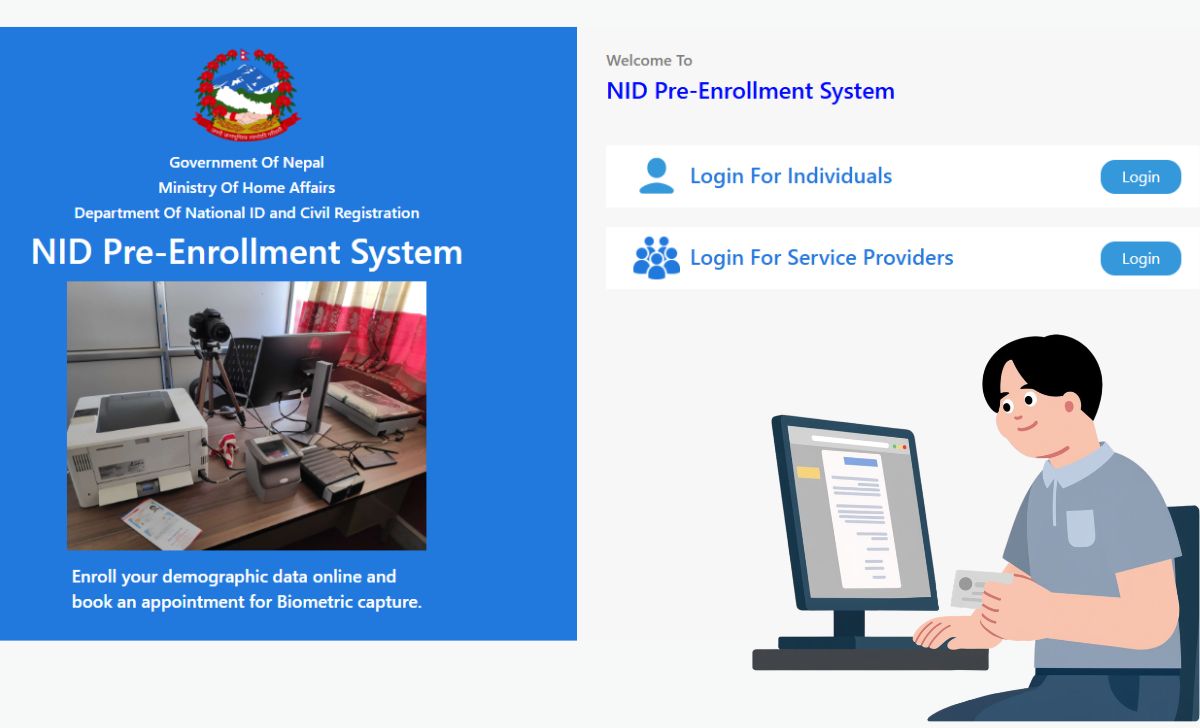
Many people have already applied for their National Identity Card, including me, having recently applied. So, I thought, why not write a blog on this topic? People often try to download their National ID Card as soon as they apply.
Let us tell you that applying is just a process. After applying, you will go to the District Administration Office. You then have to go and complete another process called biometric status .District Administration Office You must provide your ten fingerprints, iris scan, digital photo, and digital signature. After a two- to three-day process, you will receive a message on your phone number. You can then download your National ID Card online.
There’s no need to worry. The biggest question on people’s minds is, “Where is my card now?” or “Has my NID been generated?” The good news is that there’s no need to repeatedly visit the office. Through the Nepal government’s Citizen Portal, you can find your National ID card, check its status, and even download it from the comfort of your home, using your mobile or laptop.
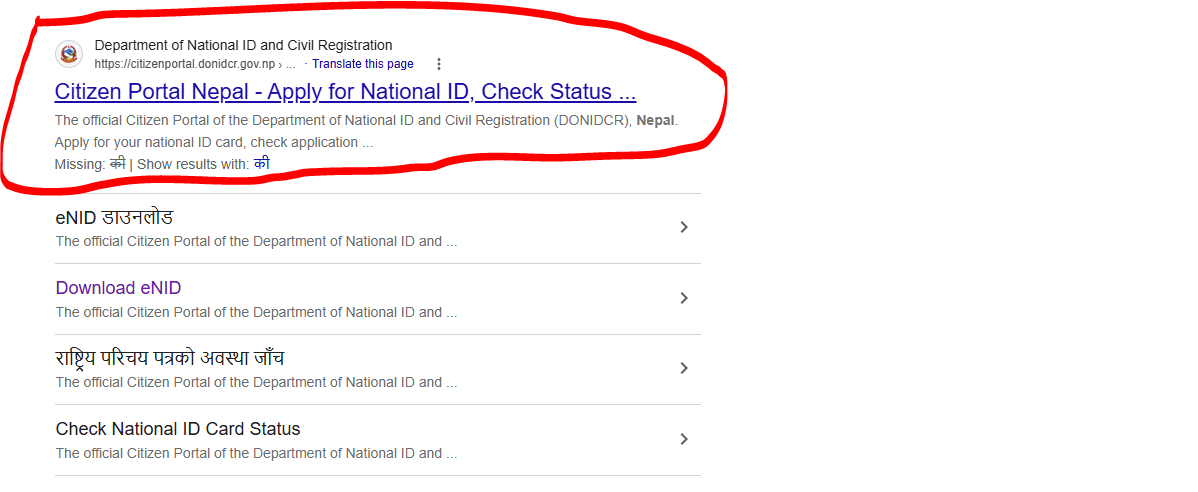
Table of Contents
What is Citizen Portal after all?
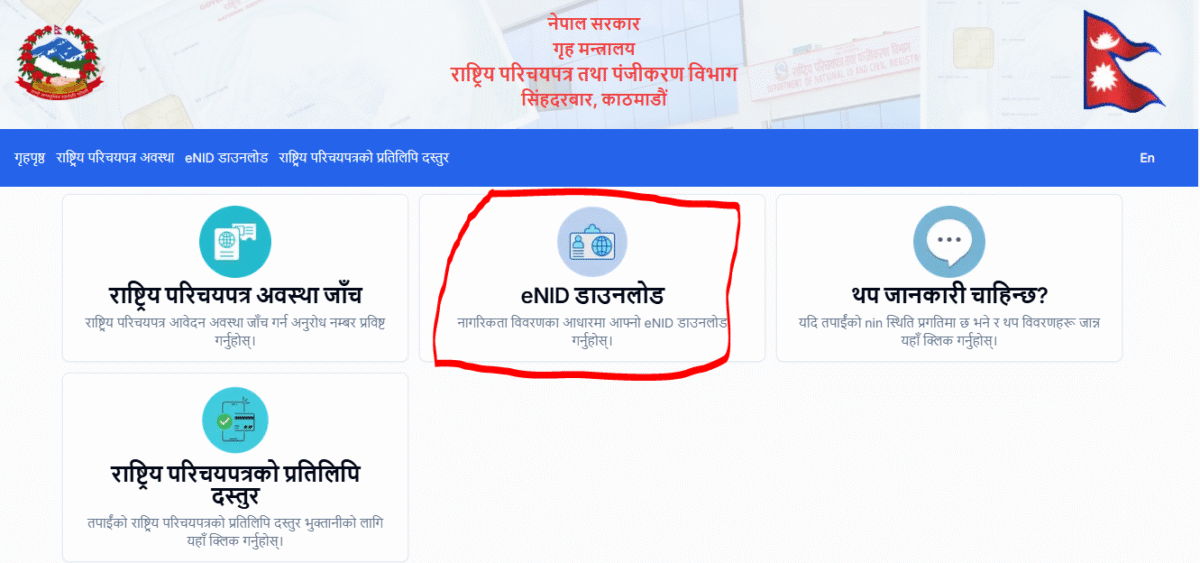
Citizen Portal is basically Department of National ID and Civil Registration (DoNIDCR) is the official online service of, specifically designed for the convenience of Nepali citizens. By visiting this portal, you can pre-enroll for a National ID, track the status of your application, and download the digital version (eNID) if the card has already been issued. This portal is a much-needed and commendable step towards Nepal’s digital governance.
Read More: How to Download Nepal National Identity Card Online
How to find your National ID card
If you’ve applied before and want to know whether your card has been issued, the process is as follows. citizenportal.donidcr.gov.np Visit the website. Here you’ll find the option to “Check Status” or check your application status. Then, fill in your details, such as your name, date of birth, and the date your citizenship certificate was issued.
This information must be exactly the same as the one on your application, or the system won’t recognize you. Once you’ve entered the information, click Submit, and the portal will tell you whether your card is currently processing, printing, or ready to download. Remember, this is only applicable if you’ve already entered the card .District Administration Office Go and give your ten fingerprints, iris scan, digital photo and digital signature. After completion of this process, you can take the next step.
What to do if the card has been made
Once your card is sent for printing, you’ll receive a notification on your registered mobile number. You can then request an OTP by entering your name, date of birth, and date of citizenship issue under the “Download eNID” option on the same portal. Once you enter the OTP, your digital card is instantly downloaded in PDF format, which includes your photo and a QR code for instant identity verification.
Read More: How to Register Nepal National ID Card Online ? (2026)
If there is a problem with OTP or information
Many times, people complain that they don’t receive an OTP. The most common reason for this is that their mobile number isn’t updated in their NID records. There’s no need to panic; simply visit your nearest district administration office or National ID office and have your number updated. Once the number is correct, the entire process is completed within minutes.
Some caution is needed regarding safety
As convenient as this feature is, it’s equally important to keep our information safe. Always visit the official website.citizenportal.donidcr.gov.npUse only your OTP, do not share your OTP with anyone, and do not trust any fake links or third-party apps that ask for your personal details.
conclusion
While previously requiring multiple visits to the office to check your card’s status, the Citizen Portal now simplifies this process with just a few clicks. Simply enter your information correctly, be patient, and receive your digital National ID card on your mobile phone within minutes. An important note: government websites can sometimes be a bit slow. Don’t worry.
If you want to connect with our website, then you can also study the home page of our website.