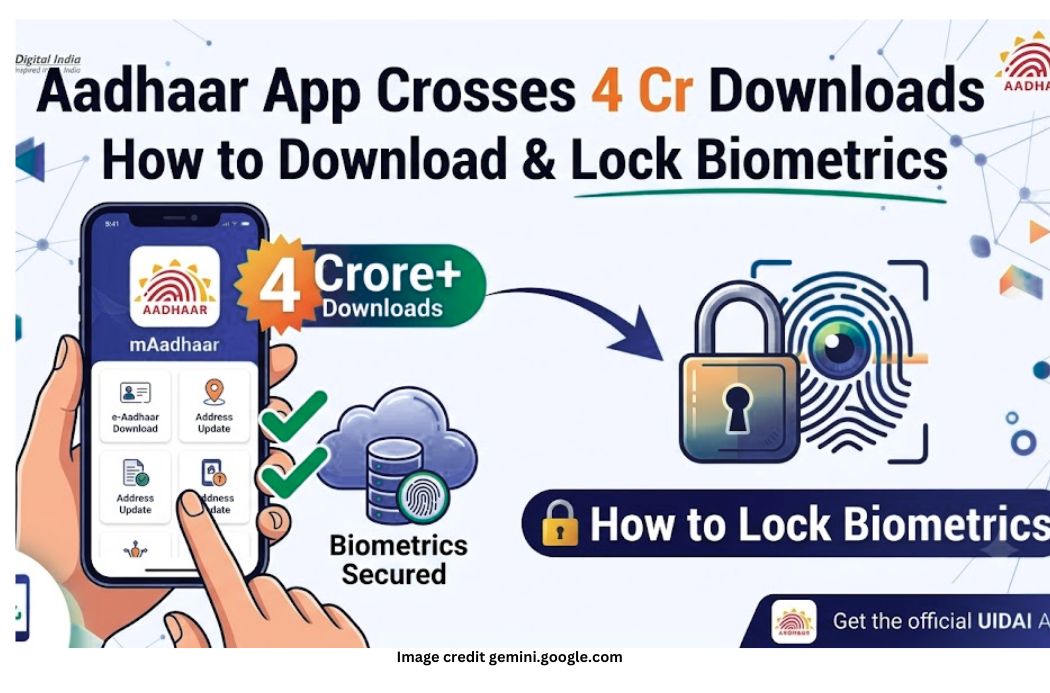
UIDAI (Unique Identification Authority of India) official Aadhaar App has reached a new milestone. The total number of downloads for this app 4 crore (40 million) Has reached beyond.
In the direction of Digital India, this app has become a one-stop platform for the citizens, with the help of which people are availing many important services related to their Aadhar card while sitting at home.
Features of Aadhaar App
Through this app, Aadhaar holders can avail various facilities without visiting any Aadhaar centre:
- e-Aadhaar Download:Easily save your digital Aadhaar card to your phone.
- Biometric Lock/Unlock:Protect your fingerprint, iris and face data.
- Address and Mobile Update:Request to update your address and contact details from home.
- QR Code Verification:Verify Aadhaar without physical copy.
What is Biometric Locking and why is it important?
According to the Press Information Bureau (PIB), so far in the countryMore than 19.1 million timesBiometric lock/unlock feature has been used.
Security Alert (Error Code 330):When you lock your Aadhaar’s biometrics, no one will be able to perform biometric authentication using your fingerprint/iris without your permission or knowledge. If someone tries, the system will‘Error 330’Will show.
How to download mAadhaar / UIDAI App?
- of your smartphone Google Play Store(Android) or Apple App Store Go to (iOS).
- in the search bar“Aadhaar (by UIDAI)” Type.
- Identifying the official app Install Click on.
- Once the app is installed, perform OTP verification by entering your registered mobile number and 4-digitMPINSet it.
Step-by-Step Method to Lock and Unlock Aadhaar Biometrics
2. How to lock biometrics?
- Step 1:Open Aadhaar App and login by entering your MPIN.
- Step 2:visible on the home screen‘Biometrics Unlocked’Tap the option.
- Step 3: ‘Confirm Biometrics Lock’Click on.
- Your biometric data is now completely secure and locked.
1. How to unlock if needed?
- Step 1:Open the app and enter the MPIN.
- Step 2: Biometrics Locked Click on the icon.
- Step 3: ‘Confirm Unlock Biometrics’ Press the button.
- Your biometric will be temporarily unlocked.
Important point:Only citizens whose mobile number is registered with Aadhaar can avail the biometric lock/unlock service. If you lose your phone or change your SIM, you will need to recover your number first.
Conclusion
UIDAI’s strategy to prevent digital fraud and identity theft Biometric lock feature It’s a very effective weapon. If you haven’t downloaded the app or locked your biometrics yet, set it up today to protect yourself!