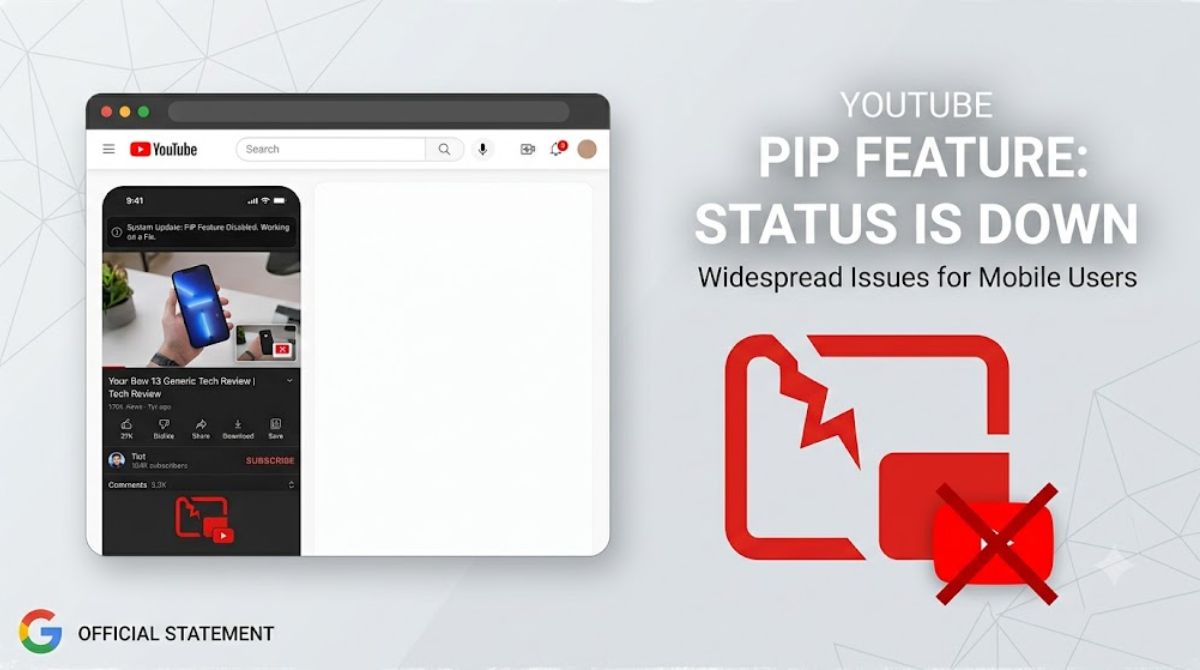
If you use the Floating Video Window (Picture-in-Picture) by closing the app while watching YouTube on your smartphone, this feature may not be working on your phone.YouTube’s ‘Picture-in-Picture’ (PiP) mode is currently suffering from a massive bug.
As soon as smartphone users exit the YouTube app, the audio continues playing in the background, but the mini-screen/floating video disappears. This issue is particularly common iniPhone (iOS)is the most viewed among users, although manyAndroidUsers have also complained about this.
Highlights
- Big Bug:YouTube’s Picture-in-Picture (PiP) feature is not working on both iOS and Android platforms.
- Audio on, video missing:When you exit the app, the background audio continues to play, but the floating video player is not visible on the screen.
- Google’s answer:The Google/YouTube team has confirmed the issue and said that their technical team is working on it.
- No temporary solution:Currently, there is no workaround or permanent fix for this bug involving cache/settings change, users will have to wait for the official update.
What is the whole matter?
The Picture-in-Picture (PiP) feature is quite popular among users because it allows people to do other tasks (like chatting on WhatsApp, browsing the web, or taking notes) while watching videos on YouTube.
Due to a recent software bug, the PiP window fails to pop up completely when users minimize or swipe out of the YouTube app. The strangest part is that the video’s audio continues to play in the background, but the visual screen disappears.
This issue is affecting both users with premium (YouTube Premium) subscription and those using the free service.
Official statement from Google and YouTube
The bug has been officially acknowledged on the YouTube Help Community forum. A YouTube spokesperson/community manager wrote in a post:
“We’re aware that some of you are experiencing an issue with the Picture-in-Picture (PiP) feature not turning on after exiting the YouTube app. While most of these reports are coming from iOS users, we’ve also received some complaints from Android users. Our team is actively investigating this issue.”
Thousands of users have raised this issue on the YouTube community forum.“I have the same question.”Expressed his displeasure by pressing the button.
Is there a solution to this problem?
Smartphone users typically try clearing the app cache, reinstalling the app, or restarting the phone to fix such bugs. However, in this case:
- Clearing the cache or reinstalling the app is ineffective:According to users, this problem persists even after updating or reinstalling the YouTube app.
- Resetting settings also doesn’t work:Even going into the phone’s system settings and turning the ‘Allow Picture-in-Picture’ toggle on and off is not helping.
This means that the issue is caused by a server-side bug or a code regression in a recent app update.
What should users do now?
- Wait for the official update:Since Google has acknowledged the issue, a new bug fix update will be rolled out soon on the App Store or Google Play Store.
- Turn on auto-updates on the App Store:Keep auto-updates turned on in your phone’s app store so that your app will automatically update as soon as YouTube patches this bug.
conclusion
YouTube’s PiP mode is one of those features considered crucial for multitasking. This major bug has impacted the experience of millions of users. Google is expected to release a fix in the coming hours or days.
Stay connected to our blog for every small and big news of technology and digital world!
Read More
- How to make your Android phone’s home screen more useful? Try these 5 easy steps.
- How to make your Android phone’s home screen more useful? Try these 5 easy steps.
- WhatsApp Usernames Dispute: Tension between WhatsApp and the Indian government over ‘usernames’, why are questions being raised on privacy?
- Facebook & Instagram Down Globally! Millions Facing Session Expired Error
- Android is Changing Forever! Google Play Store’s biggest update drops July 22